
Beehiiv for Gravity Forms
Connect Gravity Forms to Beehiiv so form submissions automatically add subscribers to your newsletter publication.
What it does
Getting form signups into Beehiiv usually means setting up a third-party automation tool. This add-on skips that by sending submissions directly to Beehiiv through its API the moment someone fills out your form.
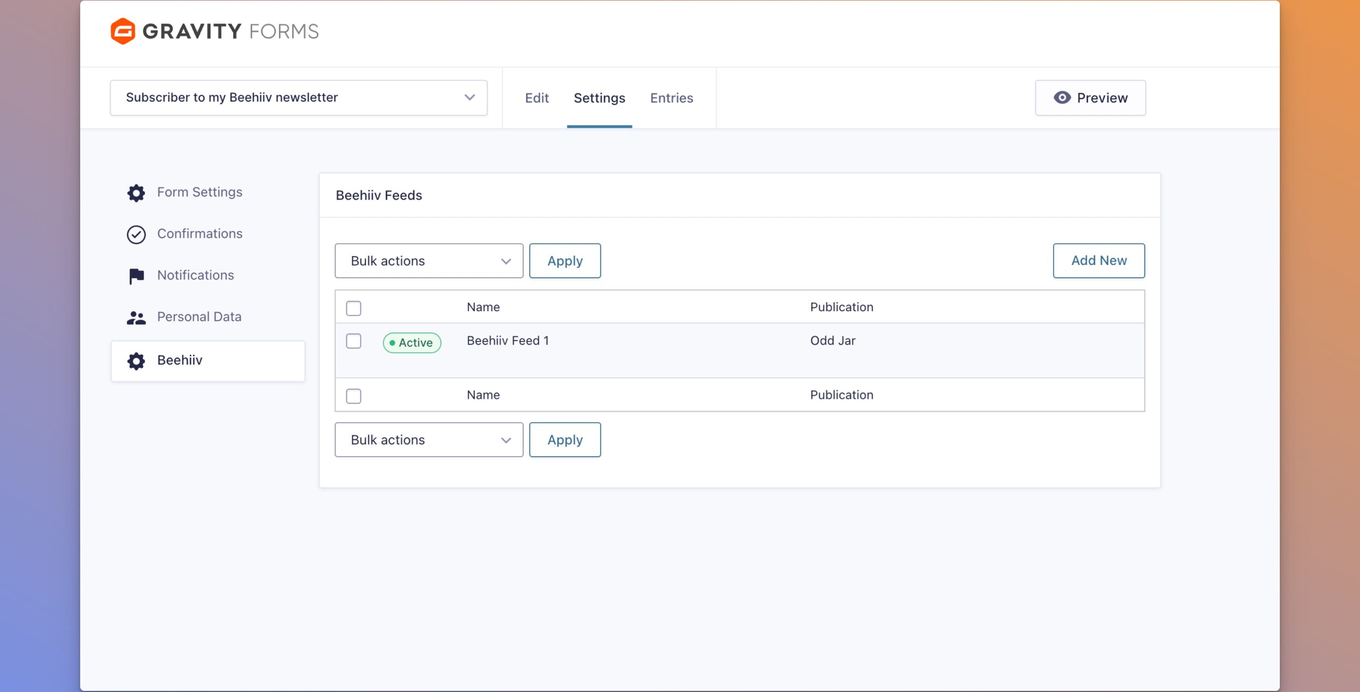
You add a Beehiiv feed to any form, map your email field, and optionally map other form fields to Beehiiv custom fields. Each feed can target a different publication, so one WordPress site can feed multiple newsletters. Conditional logic lets you control which entries actually trigger a subscription.
It's built as a native Gravity Forms feed add-on, so settings sit alongside your other feeds under the form's Settings tab. UTM tracking fields accept merge tags, and the Beehiiv subscription ID is saved in the entry for reference.
Key features
- Connect with your Beehiiv API key and pick from your publications directly in the feed settings
- Add multiple feeds per form, each targeting a different publication
- Map form fields to Beehiiv custom fields fetched from your publication
- Control double opt-in per feed, and optionally send the welcome email or reactivate unsubscribed contacts
- Apply conditional logic so only entries that meet your criteria create a subscriber
- Set UTM attribution fields (source, medium, campaign, referring site) using Gravity Forms merge tags
- Subscription ID stored in entry meta; API errors are logged without blocking form submission
Good for
Written from Odd Jar’s own listing. Version and dates come straight from the source and are checked weekly.
Do I need a third-party automation service like Zapier?
No. The add-on connects directly to the Beehiiv API, so no middleware is required.
Can one form send subscribers to more than one Beehiiv publication?
Yes. You can add multiple feeds to a single form, each targeting a different publication.
Will an API error stop the form from submitting?
No. If the Beehiiv feed fails, the form submission still goes through and the error is logged in the entry notes.
What are the minimum requirements?
You need Gravity Forms 2.5 or later, WordPress 6.0 or later, PHP 7.4 or later, and a Beehiiv account with an API key.