
Display Form Entries
Display, search, and filter Gravity Forms entries on the front end without writing any code.
What it does
Normally, form submissions in Gravity Forms are only visible inside the WordPress admin. If you want visitors or logged-in users to see entries on the front end, you need custom development or a heavy page builder.
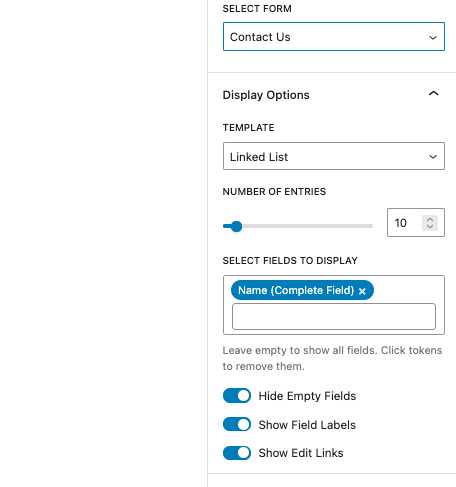
Display Form Entries lets you place form submissions directly on any WordPress page. You can give users a way to browse, search, and filter entries, and let them edit their own submissions without ever touching the admin area.
It suits site owners building client portals, internal dashboards, or simple directories where users need to interact with their own data.
Key features
- Show Gravity Forms entries on the front end with customizable layouts
- Let logged-in users view and edit their own submissions
- Restrict which entries are visible by user role or entry creator
- Search and filter entries from the front end
- No coding required
Good for
Written from Ristretto Apps’s own listing. Version and dates come straight from the source and are checked weekly.
Do I need to write code to display entries?
No, the plugin is designed to work without any coding.
Can users edit their own submissions?
Yes, logged-in users can view and edit the entries they created from the front end.
Can I control who sees which entries?
Yes, you can restrict visibility by user role or limit entries to the person who submitted them.