
Webcam for Gravity Forms
Add a webcam field to your Gravity Forms so users can capture and submit photos directly from their camera.
What it does
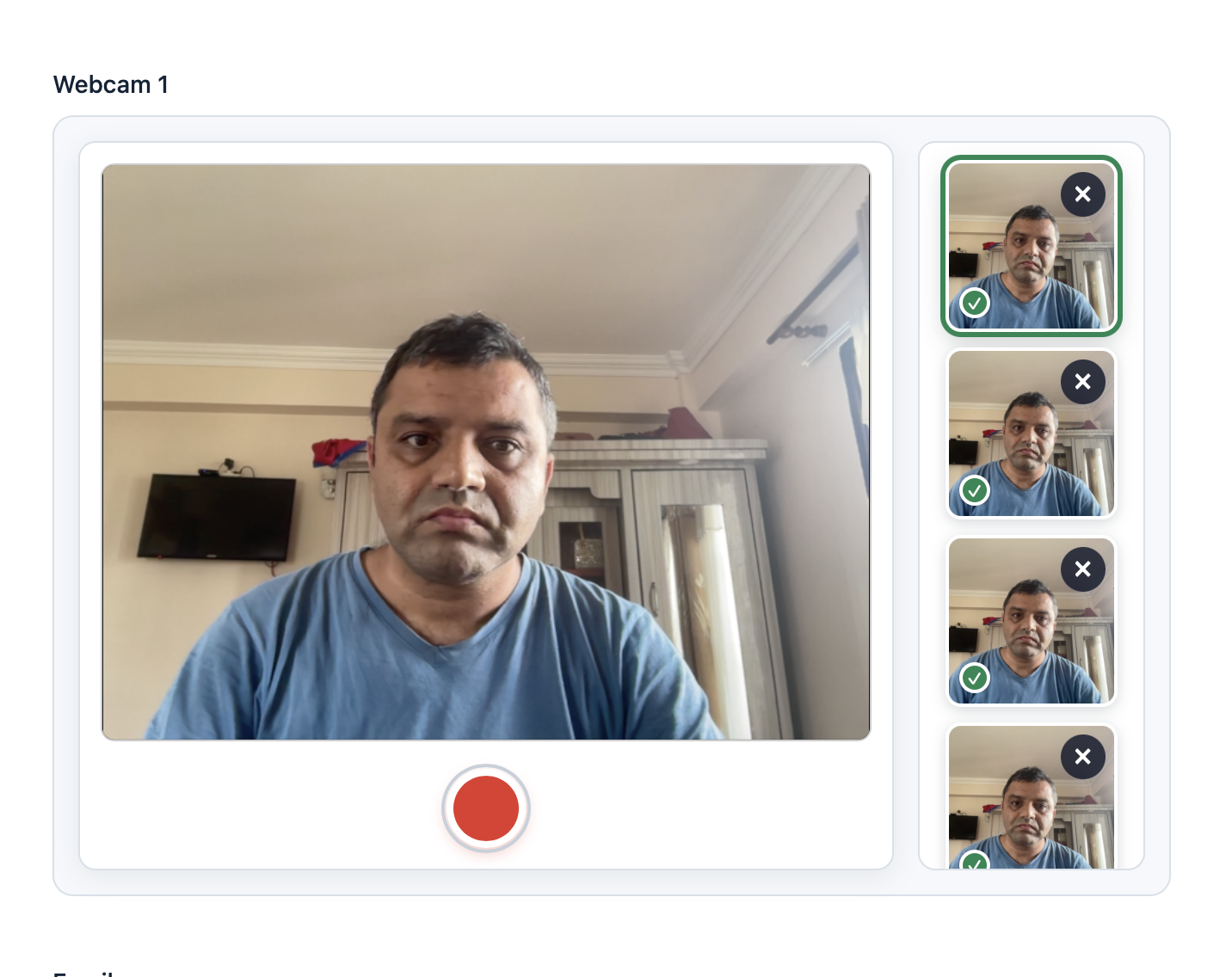
Many forms need a photo from the user, but asking people to upload an existing file is clunky and unreliable. This add-on lets you place a webcam field directly inside any Gravity Form so visitors can take a photo on the spot and submit it with the form.
You can add as many webcam fields as you need, apply conditional logic to show or hide them, and give users a live preview before they submit. Captured images are stored with the entry and appear as links in CSV or Excel exports.
It works in modern browsers and requires HTTPS to access the camera securely. Good fits include identity checks, profile photos, attendance tracking, event registrations, and visual documentation.
Key features
- Add one or more webcam fields to any Gravity Form
- Live image preview before submission
- Conditional logic support to show or hide the webcam field
- High-quality photo capture without third-party services
- Images stored with the entry in Gravity Forms
- Image links included in CSV and Excel exports
- Works across modern browsers over HTTPS
Good for
Written from Ujwol Bastakoti’s own listing. Version and dates come straight from the source and are checked weekly.
Do users need to upload a photo from their device?
No. The webcam field captures a photo directly through the browser camera, so no file upload is needed.
Can I add more than one webcam field to a form?
Yes, the add-on supports multiple webcam fields on the same form.
Does my site need HTTPS?
Yes. HTTPS is required for the browser to access the camera securely.
Are captured photos included in exports?
Yes. Image links appear in CSV and Excel exports of your entries.