
Image Hopper
Add an image upload field to your forms that automatically resizes, crops, and lets users edit photos before submitting.
What it does
Asking users to resize or crop images before uploading is frustrating for everyone. Image Hopper adds a dedicated image upload field to Gravity Forms that handles resizing and cropping automatically, so you stop receiving oversized or low-quality files.
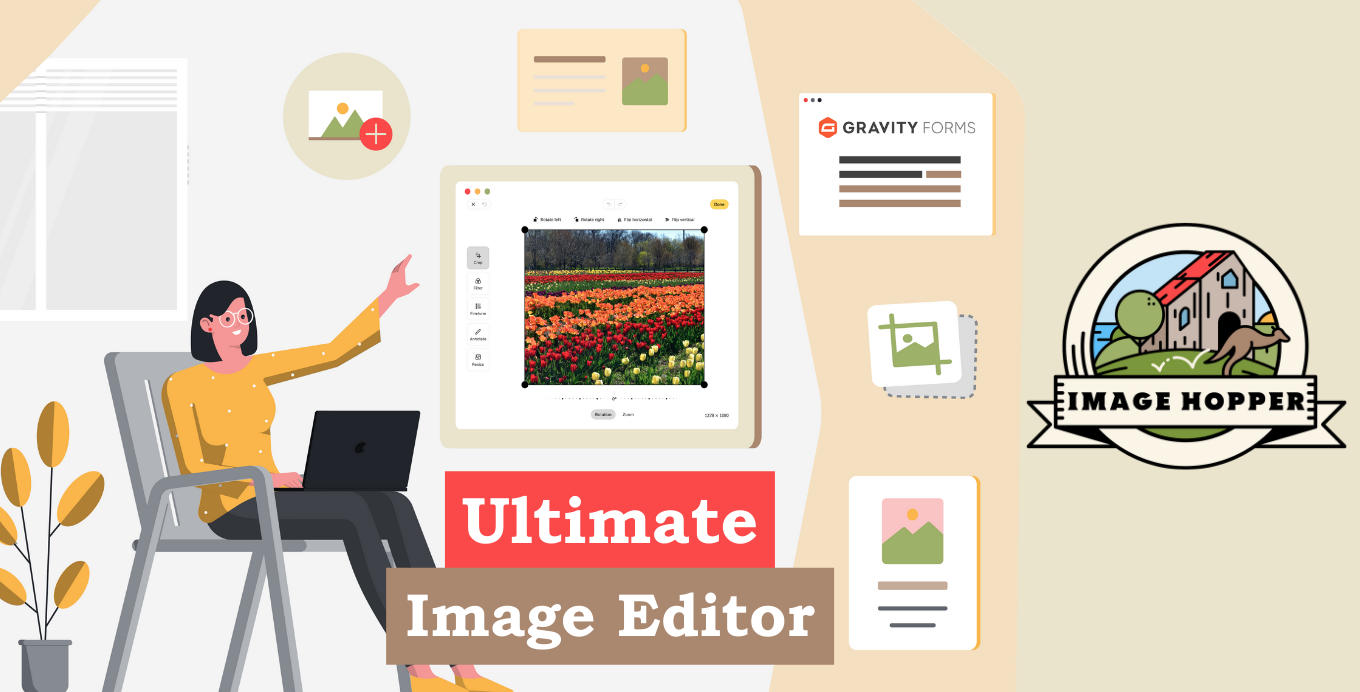
Users can also edit images directly in the browser — cropping, rotating, applying filters, correcting colors, and adding annotations — before the form is submitted. Multiple images can be uploaded to one field and reordered by drag and drop or keyboard.
It works with a range of Gravity Forms add-ons including Save and Continue, Gravity Flow, Gravity PDF, GravityView, Dropbox, and the WooCommerce Gravity Forms add-on. A replacement Post Image field is also included for WordPress post creation workflows.
Key features
- Automatic image scaling and cropping on upload to control file size and quality
- In-browser image editor: crop, rotate, filters, color correction, and annotation
- Minimum image size limit to block low-quality uploads
- Support for JPG, GIF, PNG, BMP, and WebP formats
- Multiple images per field with drag-and-drop or keyboard reordering
- Replacement Post Image field compatible with Advanced Post Creation
- Accessible via keyboard and assistive technologies like VoiceOver, JAWS, and NVDA
Good for
Written from Blue Liquid Designs’s own listing. Version and dates come straight from the source and are checked weekly.
What image file types does Image Hopper support?
It supports JPG, GIF, PNG, BMP, and WebP (WebP requires WordPress 5.8 or later).
Can users upload more than one image to a single field?
Yes, multiple images can be uploaded to the same field and reordered using drag and drop or a keyboard.
Which Gravity Forms add-ons does it work with?
It integrates with Save and Continue, Notification Attachments, Advanced Post Creation, Dropbox, Gravity Flow, Gravity PDF, GravityView, Gravity Perks Nested Forms, Media Library, and the WooCommerce Gravity Forms add-on.
Does it work with assistive technologies?
Yes, it supports VoiceOver, JAWS, and NVDA, and is fully keyboard accessible.