
Gravity PDF
Automatically generate customizable PDF documents from Gravity Forms entries and email them to admins or users.
What it does
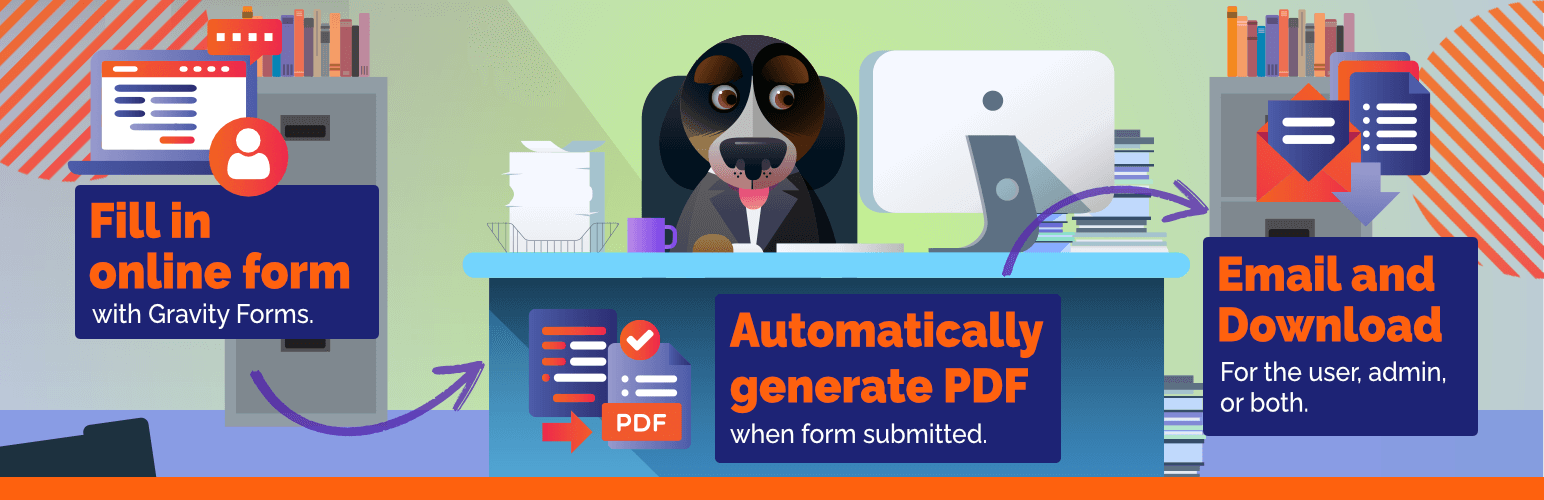
When someone submits a Gravity Forms entry, you often need a formatted document—a receipt, application summary, or contract. Gravity PDF creates that PDF automatically on your server the moment the form is submitted.
You get four ready-to-use PDF designs out of the box. You can add your logo, set a header and footer, choose paper size and orientation, pick fonts and colors, or build a completely custom template with HTML, CSS, and PHP. Additional designs are available from the Template Shop.
The plugin runs entirely on your web server, so your form data never leaves your site. It is GDPR-compliant and includes security controls to protect generated documents.
Key features
- Automatically generates a PDF when a Gravity Forms entry is submitted
- Four built-in PDF designs, customizable with logo, fonts, colors, and paper size
- Send the PDF as an email attachment to the admin, the user, or both
- Delay email delivery until payment is complete when used with Stripe, Square, or PayPal add-ons
- Build fully custom templates using HTML, CSS, and PHP
- Additional templates available from the Template Shop
- PDFs generated on your own server—no third-party service receives your data
Good for
Written from Gravity PDF’s own listing. Version and dates come straight from the source and are checked weekly.
Is Gravity PDF free?
It is a freemium plugin—the core plugin is free, and paid upgrades are available for additional features and templates.
Can I send the PDF by email automatically?
Yes. Gravity PDF can email the PDF to the admin, the user, or both as soon as the form is submitted.
Can I delay the PDF email until after payment?
Yes. You can combine Gravity PDF with Gravity Forms payment add-ons like Stripe, Square, or PayPal to send the PDF only after payment is complete.
Does my form data get sent to a third-party service?
No. PDFs are generated on your own web server, so no outside service receives your data.