
Simply Schedule Appointments
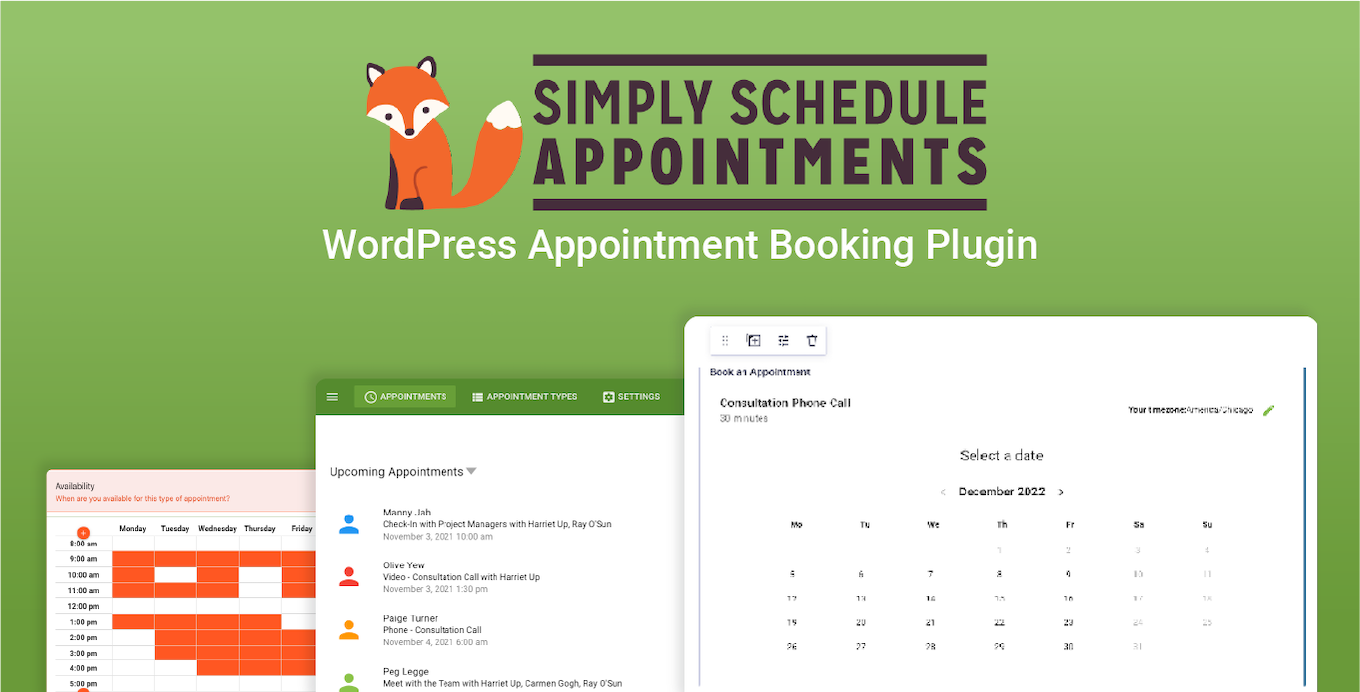
Add an Appointment field to your Gravity Forms so visitors can book and schedule appointments directly on your site.
What it does
Managing bookings manually takes time and leads to missed opportunities. Simply Schedule Appointments adds a dedicated Appointment field to Gravity Forms, letting visitors pick a time slot and submit a booking form in one step.
Once set up, the plugin handles availability rules, sends notifications, syncs with Google Calendar, and can auto-generate Zoom or Google Meet links. You can collect extra information through your existing Gravity Form fields at the same time someone books.
It suits consultants, small business owners, and service providers who want to automate scheduling without leaving WordPress. The developer says you can take your first booking in under five minutes.
Key features
- Drag-and-drop Appointment field added directly inside Gravity Forms
- Unlimited booking calendars with customizable availability, buffers, and per-day limits
- Google Calendar sync and auto-generated Zoom or Google Meet links
- Custom merge tags for Gravity Forms notifications and confirmations
- Compatible with Gravity Forms payment add-ons to charge for appointments
- SMS booking reminders via Twilio integration
- Works with Gravity Forms add-ons including Zapier, Webhooks, and User Registration
Good for
Written from NSquared’s own listing. Version and dates come straight from the source and are checked weekly.
Does this work with Gravity Forms payment add-ons?
Yes, it is compatible with Gravity Forms payment methods so you can charge for appointments at the time of booking.
Can I send appointment reminders to customers?
Yes, you can send SMS reminders using the built-in Twilio integration.
Does it sync with Google Calendar?
Yes, it includes Google Calendar sync and can also customize Google Invites with information from your Gravity Form entries.
Is it compatible with third-party Gravity Forms tools?
It works with Gravity Wiz Perks such as Populate Anything and Limit Submissions, and with official add-ons like Zapier, Webhooks, and User Registration.