As of this writing, the Divi Builder does not have a built-in element for adding a Gravity Forms form to your pages. However, you can still use Gravity Forms with Divi, and in this article, I will show you two different methods you could use to add your forms to your pages in Divi.
The Divi Add-On Method
Using the Divi Gravity Forms plugin does more than just add a new Gravity Forms element to the Divi page builder, it also adds tools for styling your forms from within the page builder.
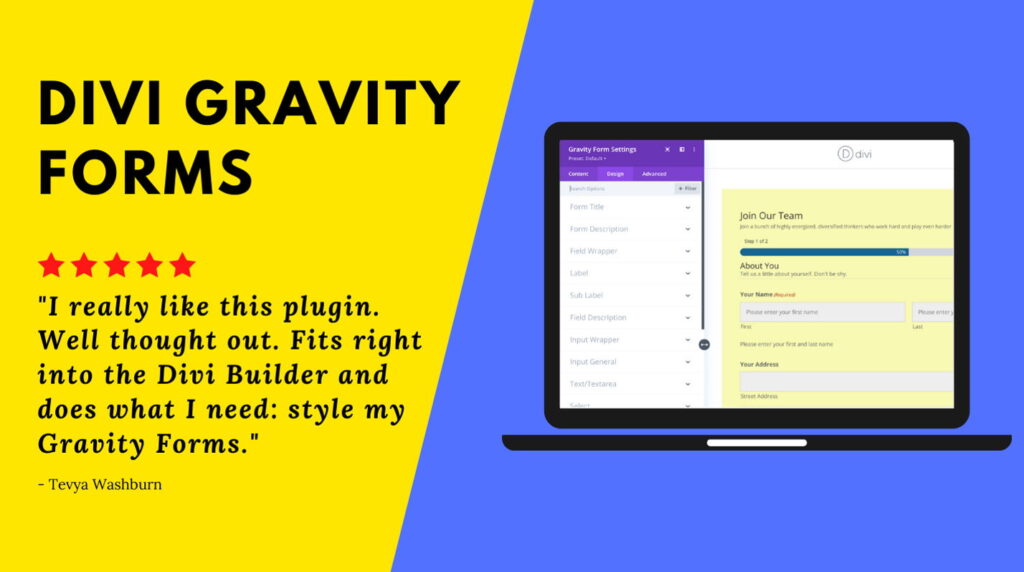
You’ll need to download, install, and activate the plugin, but once that is done, head on over to the Divi editor for the page you want to add the form to and follow the steps below.
Divi Gravity Forms Plugin
- Click the plus to add a new module
- Search for “Gravity Forms“
- Click to add the code module to the page
- Use the module editor to select your form
- Optional: Use the Design Tab to style your form (requires paid version)
- Click the Green Checkmark

Get this add-on here > Divi Gravity Forms plugin
The Shortcode Method
By default, Gravity Forms uses shortcodes to embed your forms on a page and with the Divi code element you can continue to use this method.
The only challenge, there is no “shortcode generator” like there is in the Classic Editor and in the Block Editor (shown below).


How to Get Your Shortcode
Gravity Forms has a document on how to create your shortcode, however, it’s a bit overkill when you just want a basic shortcode.
Below is the basic shortcode, you can copy and use it on your site, just be sure to change 1, in id=”1″, to your form ID.
[gravityform id="1" title="false" description="false" ajax="true"]Adding Your Shortcode in Divi
You will need to know your form ID, which you can locate by following the steps below.
- Go to Forms => Forms
- Locate your form and identify your form ID

Complete the next steps once you are in the Divi editor for the page you want to add your form to.
- Click the plus to add a module
- Search for “code“
- Click to add the code module to the page
- Past the shortcode into the module editor
- Change the ID to your forms ID number
- Click the Green Checkmark

The Wrap Up
I’m sure there are other plugins that can aid in the effort of adding a Gravity Forms form to your page with the Divi page builder, but hopefully this article has helped you figure out how to get it done easier!
If you need styling help. You can always use the Style Guide provided by Gravity Forms, however, if you want to design your form from the Divi builder, you will need the Divi Gravity Forms plugin.
If you have any questions, use the comments below.

