
GravityMerge AI
Generate filled DOCX documents from Gravity Forms submissions using Word templates with readable merge tags and optional AI content.
What it does
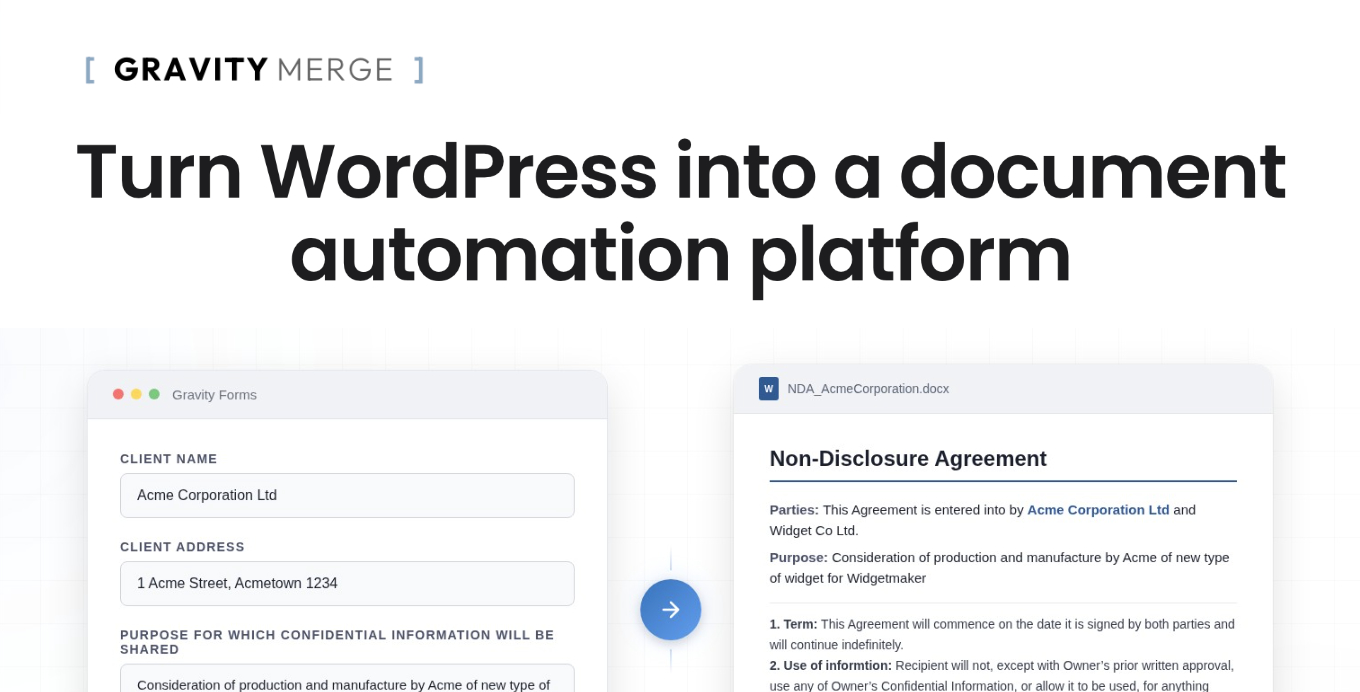
When someone submits your Gravity Forms form, GravityMerge AI automatically fills a Word template with their answers and produces a finished DOCX file. You upload your own .docx template, write merge tags like {{ Field Label }} directly in Word, and the add-on handles the rest.
You can include conditional sections that show or hide based on field values, loop through List field data to build tables, and insert uploaded images into the document. An optional AI Field powered by Anthropic's Claude can generate written content that gets dropped into the document at merge time.
Finished documents can be downloaded from a confirmation page, emailed to the submitter, or attached to Gravity Forms notification emails. You control how long documents are stored, and an admin area lets you browse saved files.
Key features
- Readable {{ Field Label }} merge tags in Word templates instead of numeric field IDs
- Conditional paragraphs with {% if %} … {% endif %} blocks supporting comparisons and emptiness checks
- List field loops to populate repeating table rows from Gravity Forms List fields
- Image insertion from file-upload fields into the finished document
- Optional AI Field using Anthropic's Claude to generate content for the document
- Delivery via confirmation-page download button, email, or both—configurable per form
- Retention controls to keep, delete after delivery, or auto-delete after a set period
Good for
Written from GravityMerge’s own listing. Version and dates come straight from the source and are checked weekly.
What file format do the generated documents use?
Documents are generated as DOCX files, compatible with Microsoft Word.
Do I need to use the AI Field?
No, the AI Field is optional. The core merge and document generation works without it.
Which AI service powers the AI Field?
It uses Anthropic's Claude. Requests are nonce-protected and restricted to logged-in users.
How are finished documents delivered to the submitter?
You can offer a download button on the confirmation page, send the document by email, or both. Documents can also be attached to Gravity Forms notification emails.