
Entry Reports Pro for Gravity Forms
Visualize and report on Gravity Forms submission activity over any date range with charts, heat maps, and automated email reports.
What it does
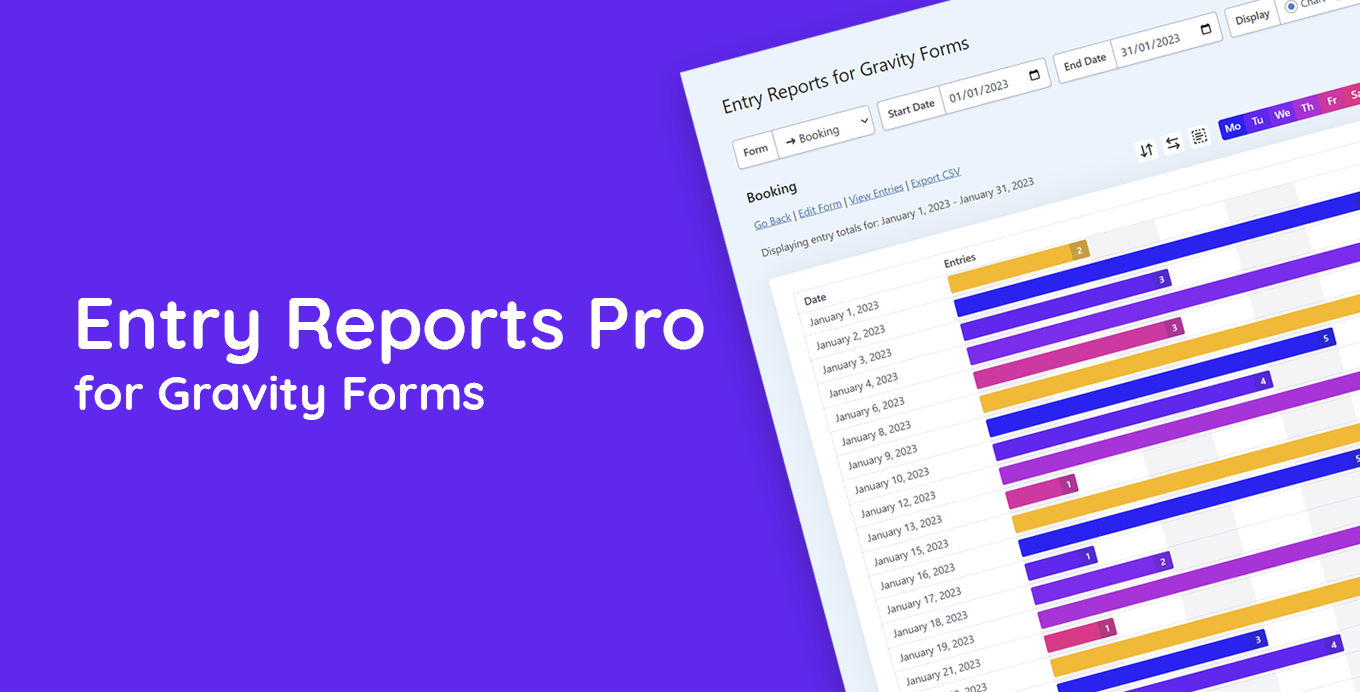
Knowing how many entries your forms receive is useful, but seeing trends over time tells a much richer story. Entry Reports Pro lets you pick any Gravity Forms form, set a date range, and instantly see a day-by-day breakdown of submissions as a visual chart.
You can drill down to hourly entry counts for any single day, view a color-coded heat map of submission activity, and export the data as a CSV or save charts as images. Automated email reports mean you can have this information delivered to your inbox on a schedule.
It works with all your existing entries — past, present, and future — so you can start analyzing historical data right away. It suits anyone who needs to track form performance, spot patterns, or share submission data with a team or client.
Key features
- Day-by-day entry chart for any form and date range
- Hourly entry view to see submission patterns within a single day
- Heat map showing daily activity with color-coded intensity
- Automated email reports delivered to your inbox
- CSV export for further analysis outside WordPress
- One-click chart image downloads
- Customizable chart colors and built-in themes
Good for
Written from Rocket Apps’s own listing. Version and dates come straight from the source and are checked weekly.
Does it work with forms I already have?
Yes, it works with past, present, and future Gravity Forms entries, so your existing data is available immediately.
Can I share reports without giving someone access to WordPress?
Yes, you can export data as a CSV or download charts as images, and you can set up automated email reports.
Can I customize how the charts look?
Yes, you can adjust chart colors or choose from built-in themes.