
GravityMath
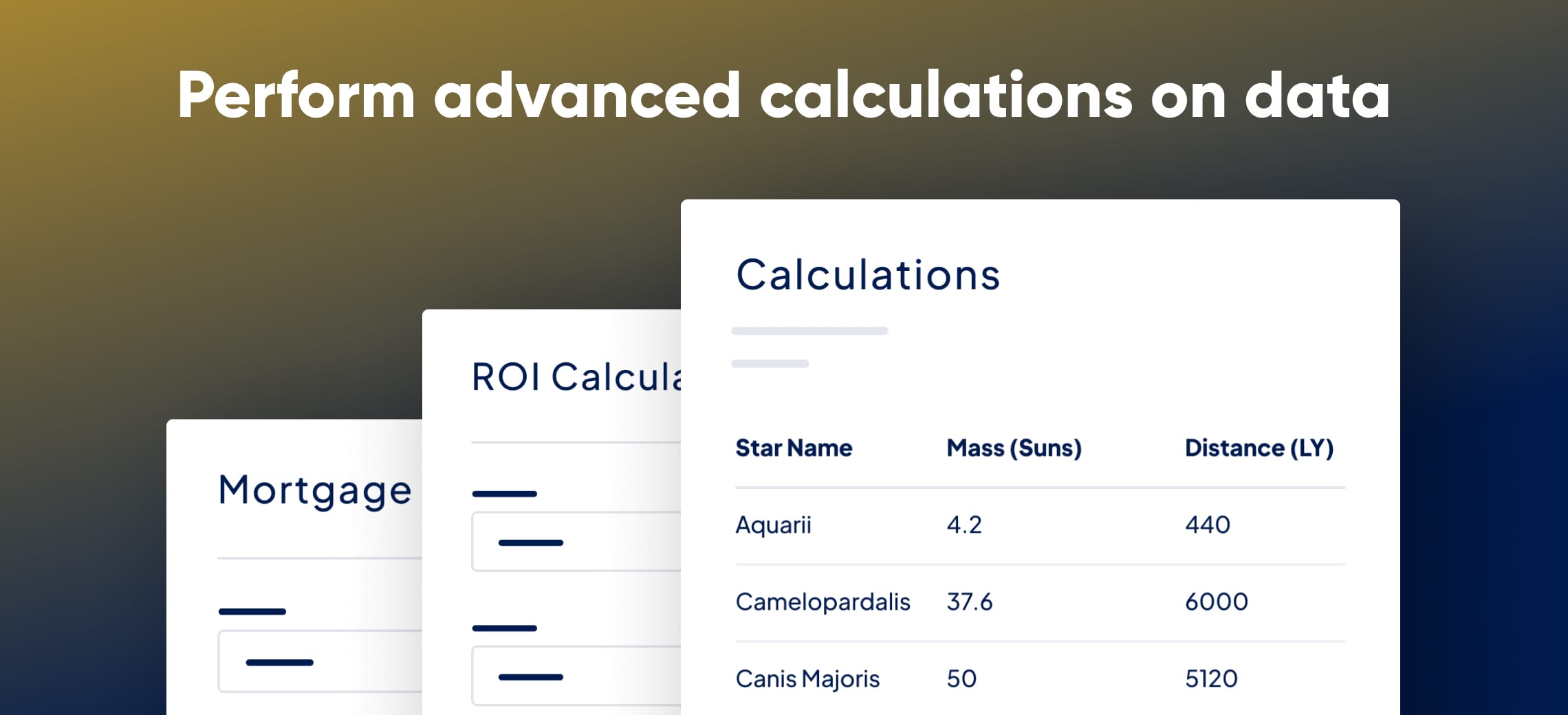
Perform advanced calculations on Gravity Forms data and display results anywhere on your WordPress site—no coding needed.
What it does
Manually recalculating totals, averages, or survey results from form submissions takes time and is easy to get wrong. GravityMath automates those calculations and keeps them up to date as new entries come in.
You use a simple shortcode to embed live calculations in pages, posts, widgets, confirmations, or notifications. It supports operations from basic addition to averages, min/max, and advanced functions like logarithms and trigonometry, plus constants like pi and e.
It works well on its own for pure math, and it also integrates with GravityView to add footer totals, calculated columns, and custom reports to entry tables.
Key features
- Sum, average, min, max, and advanced math functions via a shortcode
- Embed live calculations in pages, posts, widgets, confirmations, and notifications
- Automatic updates when new form entries are submitted—no manual recalculation
- GravityView integration for table footer totals and calculated columns
- Supports mathematical constants like pi (π) and e
- Built-in debugging tools to verify calculation accuracy
- Works standalone for non-form math calculations
Good for
Written from GravityKit’s own listing. Version and dates come straight from the source and are checked weekly.
Do I need Gravity Forms installed to use GravityMath?
No—GravityMath can work standalone for pure math calculations that don't involve form data.
Where can I display the calculation results?
You can embed them anywhere that accepts a shortcode: pages, posts, sidebar widgets, form confirmations, and notifications.
Does it work with GravityView?
Yes. If you use GravityView, GravityMath lets you add footer calculations to tables, create calculated columns, and build custom reports from form entries.
Is there a money-back guarantee?
Yes, GravityKit offers a 30-day money-back guarantee with a full refund if the plugin isn't the right fit.