
Multi-Media for Gravity Forms
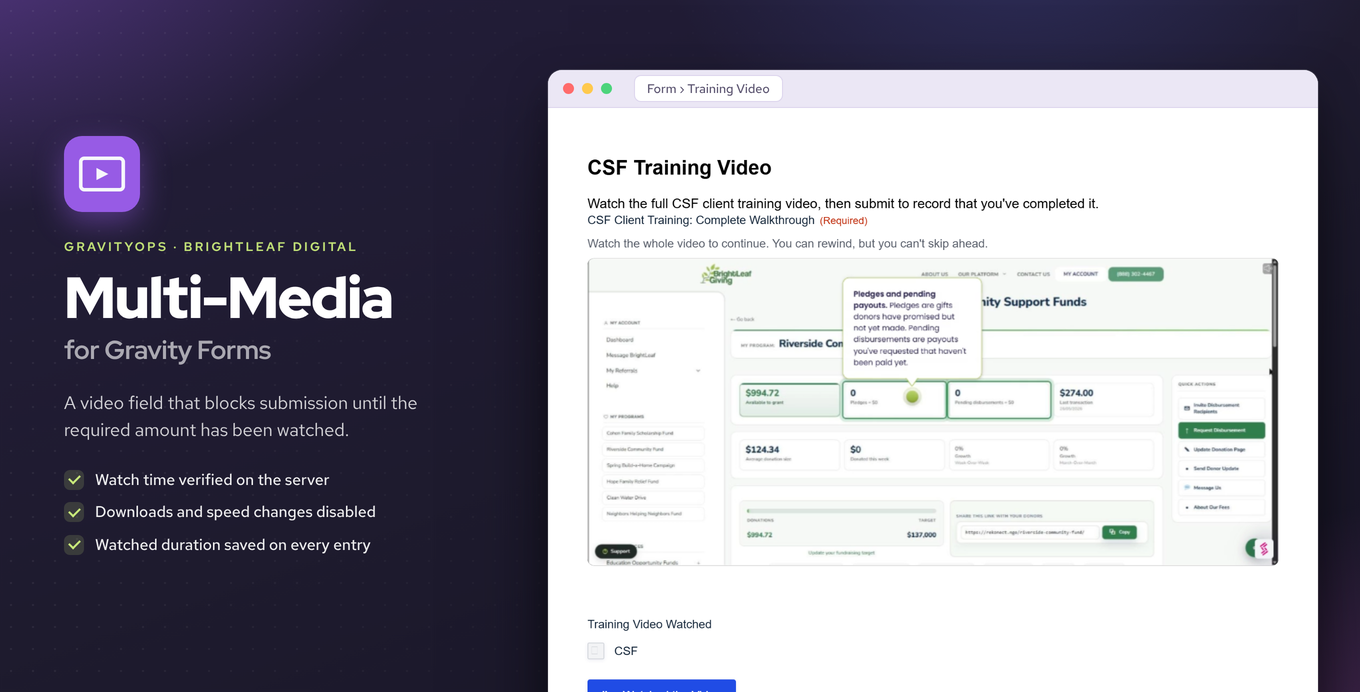
Add a Video field to your forms that requires users to watch a set amount before they can submit.
What it does
Getting people to actually watch a video before submitting a form is hard to enforce. Multi-Media for Gravity Forms solves this by adding a Video field that tracks how much of the video a user has watched and blocks submission if they haven't met your minimum watch time.
You pick a video from the WordPress Media Library, set a required watch duration (or leave it blank to require the full video), and the add-on handles the rest. The watch-time check runs in PHP on the server, not just in the browser, so it can't be bypassed easily.
This is a good fit for compliance training, onboarding flows, course pre-work, or any situation where you need proof that someone watched a video before agreeing to something.
Key features
- Adds a Video field to the Gravity Forms Advanced Fields group
- Pick any video from the WordPress Media Library
- Set a minimum watch time or require the full video duration
- Server-side PHP check rejects submissions that don't meet the threshold
- Disables downloads, playback-rate changes, remote playback, and picture-in-picture
- Stores the watched duration on every form entry
Good for
Written from Brightleaf Digital’s own listing. Version and dates come straight from the source and are checked weekly.
Where does the video come from?
You pick the video directly from the WordPress Media Library.
Can users skip ahead to bypass the watch requirement?
The check runs in PHP on the server, not in the browser, so skipping ahead won't satisfy the watch-time requirement.
Can users change the playback speed to get through the video faster?
No. The player disables playback-rate changes along with downloads, remote playback, and picture-in-picture.
Is the watched duration saved anywhere?
Yes, the watched duration is stored on every form entry.