
Nodest – No-Code Automation and Workflow Builder
Connect Gravity Forms submissions to tools like Mailchimp, Notion, and CRMs using a visual no-code workflow builder.
What it does
Every time someone submits a Gravity Forms form, you probably need to do something with that data—add a contact to your CRM, notify a team member, or update a spreadsheet. Doing that by hand for every submission takes time and is easy to forget.
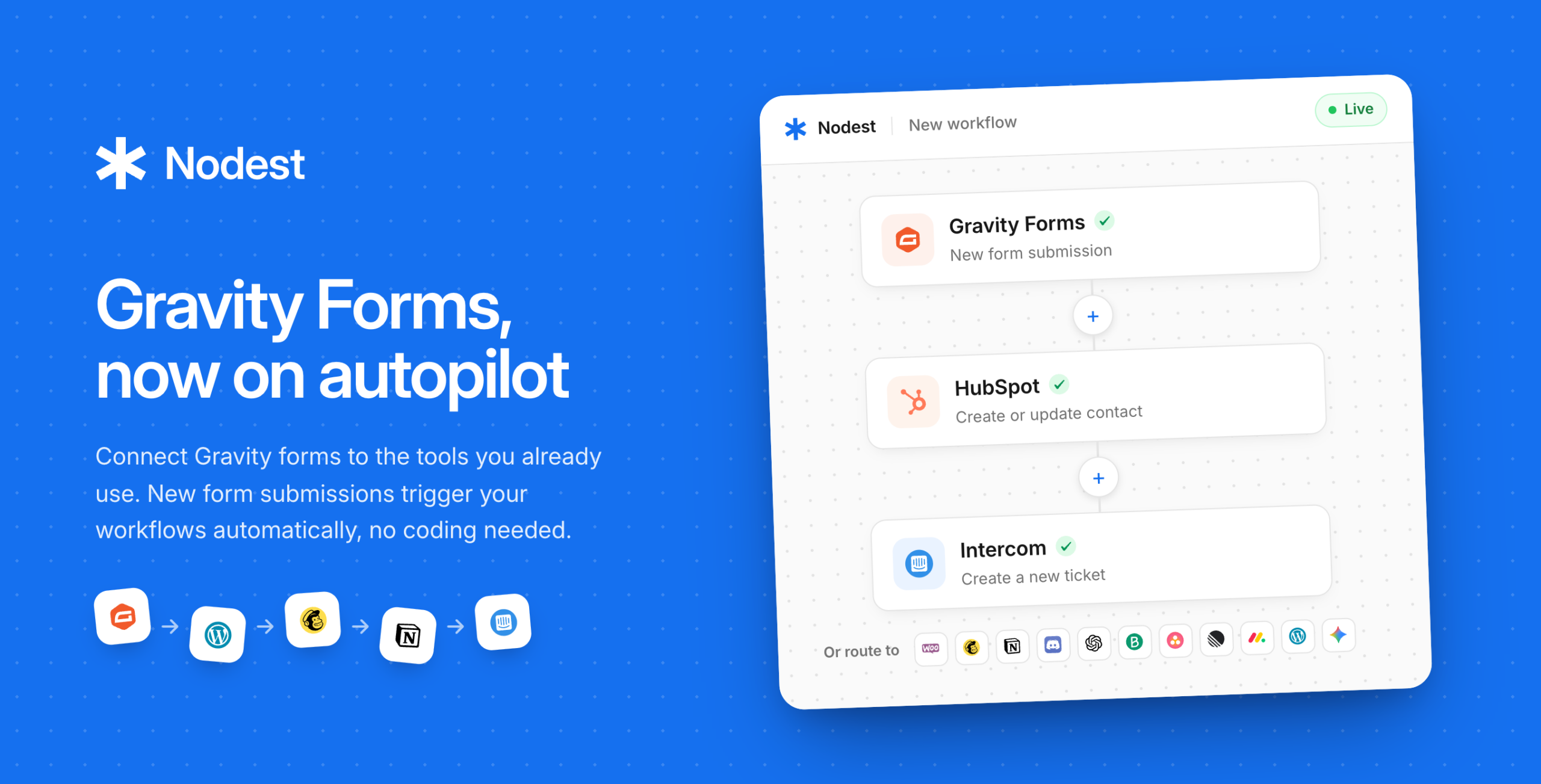
Nodest lets you build automated workflows in a visual editor. You pick a trigger (a new Gravity Forms submission), add the actions you want to run, set any conditions, and activate it. From then on, it runs automatically. Workflows run on Nodest's servers, not your WordPress site, so your site speed isn't affected.
It's a good fit for small business owners, marketers, and agencies who want to connect their forms to other tools without writing code or hiring a developer.
Key features
- Visual drag-and-drop workflow editor—no coding needed
- Conditional logic to run workflows only for submissions that match your rules
- Connect to Mailchimp, Brevo, Notion, WooCommerce, Intercom, OpenAI, Gemini, and more
- Combine multiple actions in one workflow from a single form submission
- AI steps to summarize, categorize, or draft replies using OpenAI or Gemini
- Full run logs so you can see exactly what happened with each workflow
- Instant failure notifications if a workflow doesn't complete
Good for
Written from Nodest’s own listing. Version and dates come straight from the source and are checked weekly.
Do I need a separate Nodest account?
Yes, you connect your WordPress site to a Nodest account. There is a free plan that lets you build unlimited automations.
Will running automations slow down my website?
No. Workflows run on Nodest's servers, not your WordPress server, so your site is not affected.
Can one form submission trigger more than one action?
Yes. A single submission can create a contact, send a notification, add a task, and more—all in one workflow.
What happens if a workflow fails?
You get notified immediately and can review exactly what went wrong from your Nodest dashboard.