
Salesforce Integration for Gravity Forms
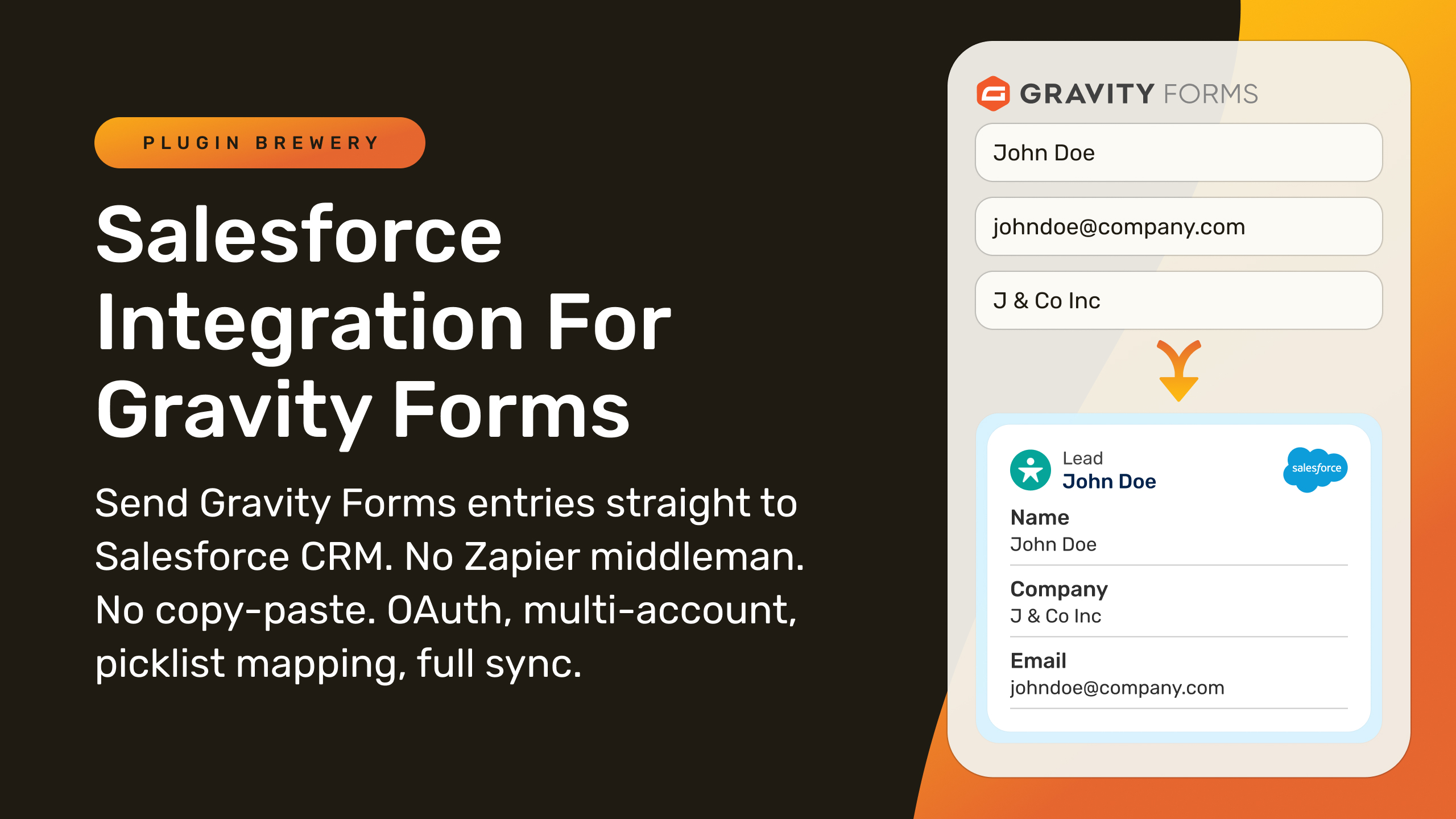
Send Gravity Forms submissions directly into Salesforce to create or update leads, contacts, accounts, opportunities, cases, or custom objects.
What it does
Manually copying form submissions into Salesforce wastes time and introduces errors. This add-on connects your Gravity Forms site to Salesforce via OAuth and pushes each submission straight into the right record automatically.
You map your form fields to Salesforce fields once, and the add-on handles the rest: creating or updating records, attaching uploaded files, pulling picklist values from Salesforce, and logging the sync result on every entry. You can also chain multiple feeds on one form to create related records—like an Account, then a Contact, then an Opportunity—from a single submission.
It suits agencies managing multiple client orgs, businesses that need clean data without duplicates, and anyone who wants Salesforce updated the moment a form is submitted, without a third-party automation tool in between.
Key features
- Create or update any standard or custom Salesforce object from a form submission
- Chain feeds to create related records (Account → Contact → Opportunity) in one submission
- Pull picklist values and Record Types directly from Salesforce into form dropdowns, kept in sync automatically
- Match existing records by email, External ID, or any unique field to prevent duplicates
- Attach file uploads to the Salesforce record's Files list, with a configurable per-file size limit
- Prefill forms with existing Salesforce data using signed, expiring links
- Connect multiple Salesforce orgs (sandbox, production, client orgs) to one WordPress site
Good for
Written from Plugin Brewery’s own listing. Version and dates come straight from the source and are checked weekly.
Does it require Zapier or another third-party service?
No. The add-on connects directly to Salesforce via OAuth, so no middleware is needed.
Can it update an existing Salesforce record instead of creating a duplicate?
Yes. Enable Primary Key matching on a feed and choose the field to match on, such as Email or an External ID. A match updates the existing record; no match creates a new one.
What Salesforce objects does it support?
It supports standard objects like Lead, Contact, Account, Opportunity, and Case, as well as any custom object your org defines.
What if my Salesforce org doesn't have API access?
You can use the Web-to-Lead or Web-to-Case Org ID method as a fallback for Lead and Case records.