
The Problem
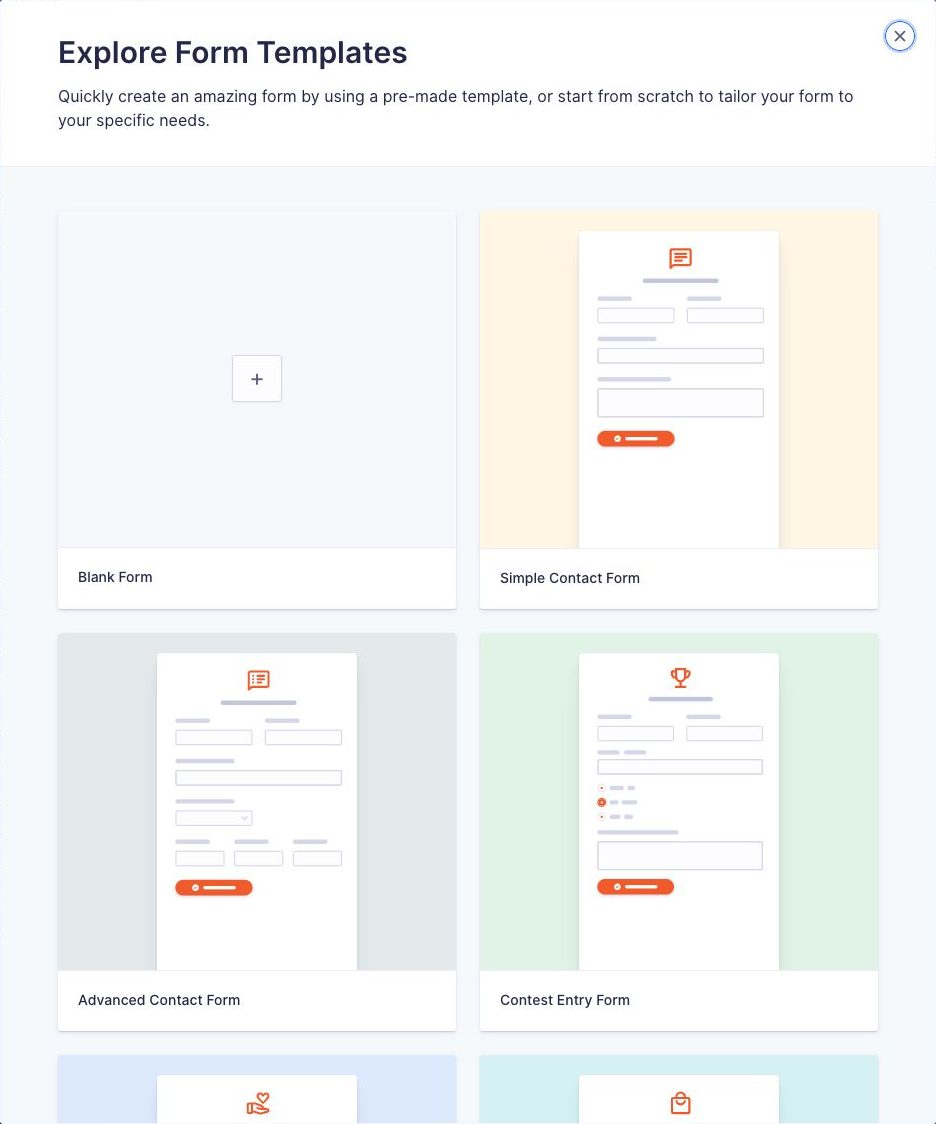
Since version 2.7, every time you click Forms → New Form, Gravity Forms opens its template library: 23 ready-made forms to start from. That’s handy the first few times, but if you always start from a blank form (or hand sites to clients who shouldn’t be choosing templates), it’s an extra step every time.
The Solution
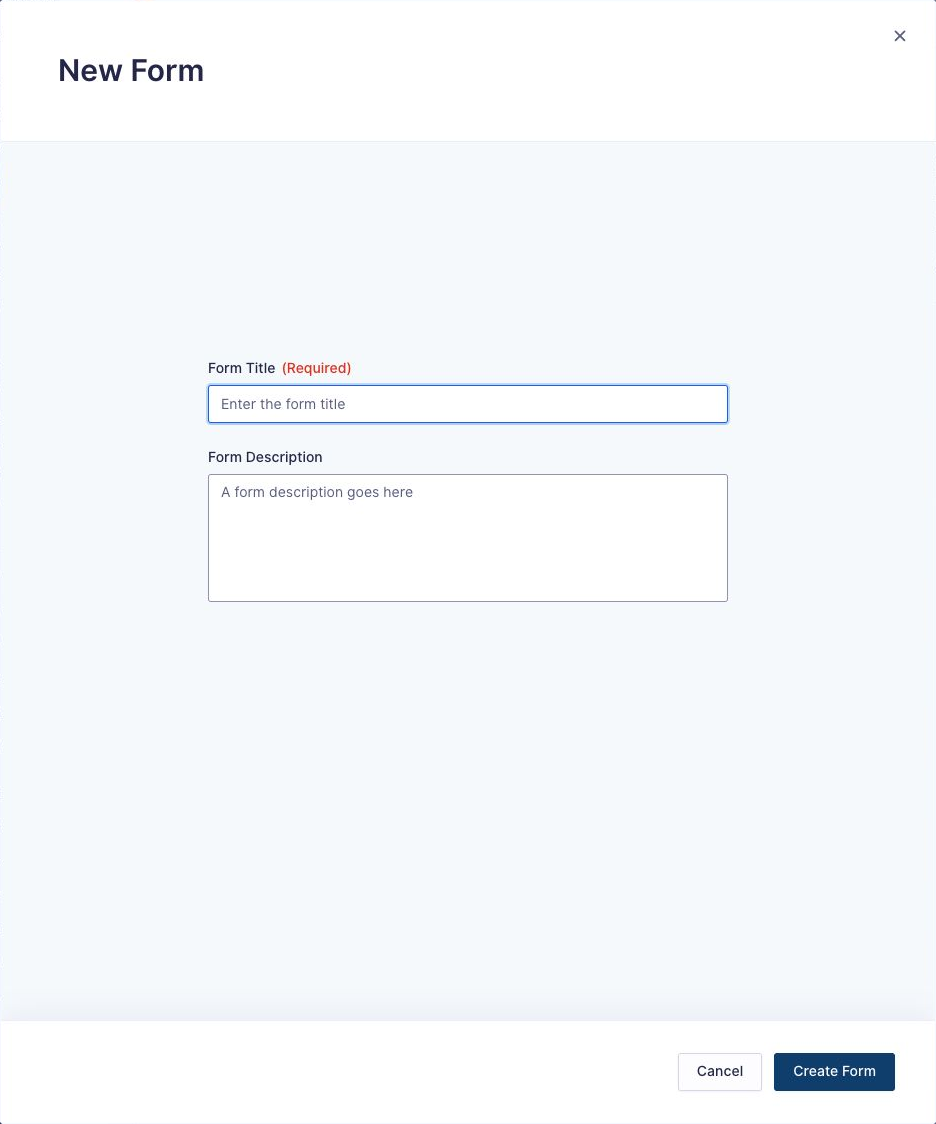
Gravity Forms has a filter for this, gform_bypass_template_library. When it returns true, New Form skips the library and goes straight to the box for the form’s title and description.
1. Turn the template library off for everyone
Add this line to your child theme’s functions.php or as a PHP snippet in WPCode:
add_filter( 'gform_bypass_template_library', '__return_true' );Now New Form opens this instead:
2. Or keep it for some people only
The filter is just a true or false, so you can decide per user. This keeps the library for administrators and hides it from everyone else (for example, clients with an editor role who can create forms):
add_filter( 'gform_bypass_template_library', function () {
	return ! current_user_can( 'manage_options' );
} );
Swap the condition for whatever fits, for example get_current_user_id() !== 1 to keep the library for one specific user.
Things to Know
- Tested on Gravity Forms 3.2. The filter was added in 2.8.9.
- It only changes the New Form screen. Existing forms, importing forms and duplicating forms work as before.
- Looking for templates rather than trying to avoid them? See free Gravity Forms templates.
Need More Help?
If you still need help, use the chat or leave a comment below and we’ll get back to you.
Comments