
Analytics for Gravity Forms
Turn your Gravity Forms submission data into visual charts, dashboards, and scheduled reports without manual counting.
What it does
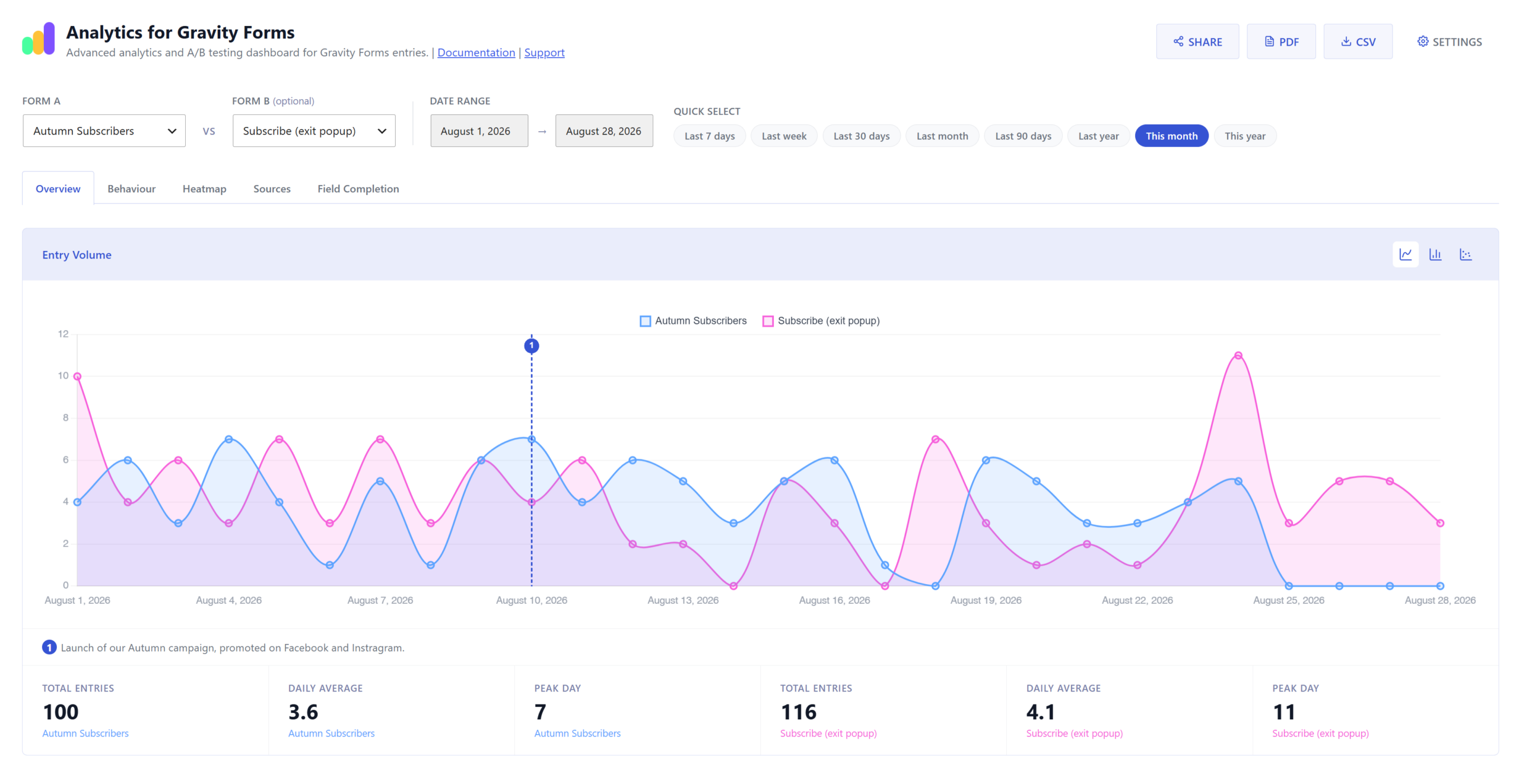
Keeping track of how your forms perform usually means exporting spreadsheets and counting rows by hand. Analytics for Gravity Forms replaces that with an automatic dashboard that shows entry counts, trends, and field-level behaviour in charts you can read at a glance.
You can track one form or compare two side by side, which makes A/B testing straightforward. The dashboard shows where visitors drop off before submitting, which pages drive the most conversions, and a heatmap of when submissions arrive by day and hour. You can also share a live read-only dashboard link with clients or schedule digest emails so stakeholders get regular updates without logging in.
When you need to take data elsewhere, you can export CSV files or send PDF reports by email. The add-on works with all your existing Gravity Forms entries, not just new ones collected after you install it.
Key features
- Dashboard showing daily entry counts for one or two forms at once, including spam
- Behaviour analytics: form views, average completion time, and field-level drop-off rates
- Submission heatmap by day of week and hour
- Source URL tracking showing which pages generated submissions
- Shareable read-only report links, optionally password protected
- Scheduled digest emails (daily, weekly, or monthly) and alert emails for submission spikes or drops
- CSV export and PDF report delivery by email
Good for
Written from Rocket Apps’s own listing. Version and dates come straight from the source and are checked weekly.
Does it work with entries I already have, or only new submissions?
It works with all Gravity Forms entries past, present, and future.
Can I give clients access without sharing my WordPress login?
Yes. You can generate a public URL for a read-only HTML report, and you can optionally protect it with a password.
What export formats are available?
You can export data as a CSV file or have a PDF report emailed to one or more recipients.
How do alert emails work?
You set a threshold, and the add-on emails you when a form has a submission spike or drop beyond that level, or when a form goes a set number of days without any submissions.