
GravityActions
Bulk-edit Gravity Forms entries and send mass emails to form respondents in just a few clicks.
What it does
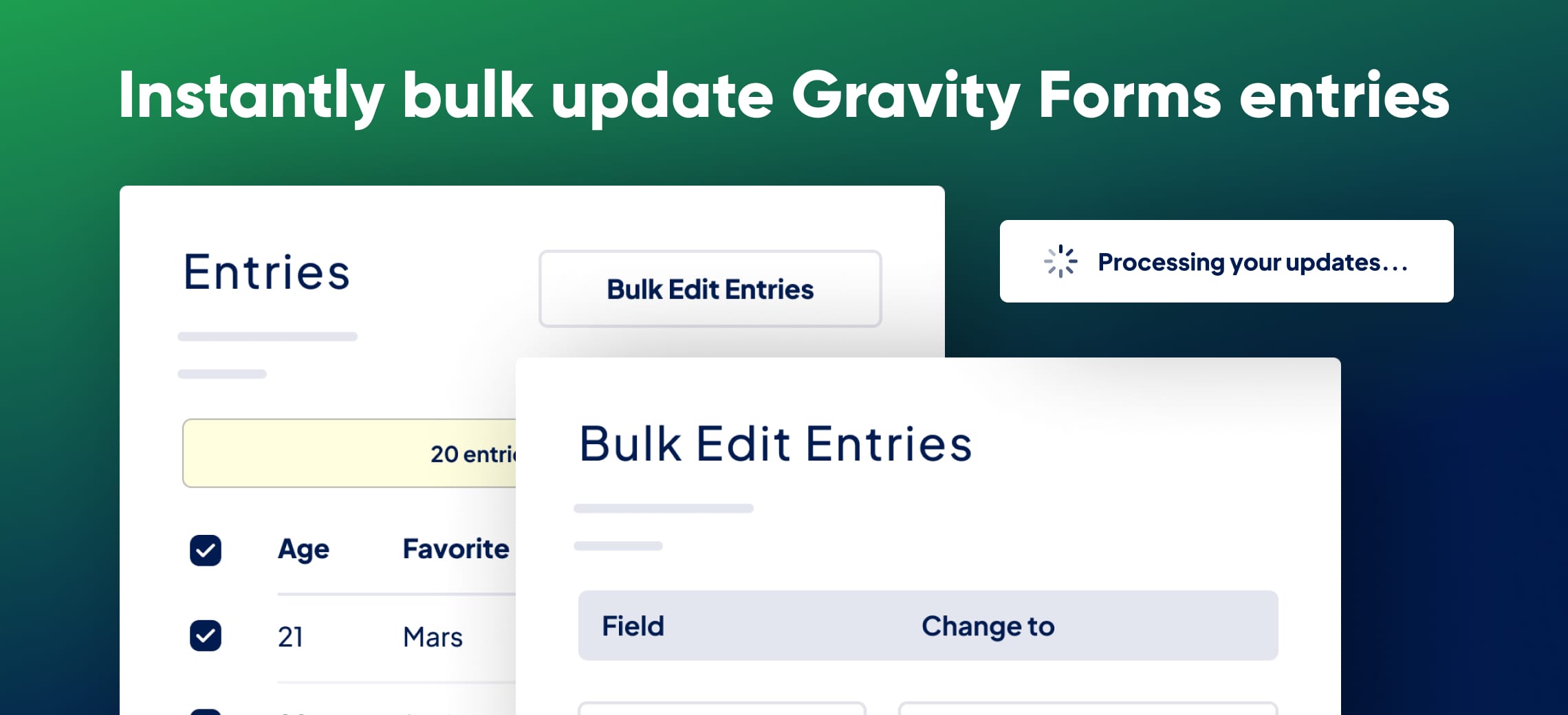
Updating Gravity Forms entries one by one takes a long time. GravityActions lets you select hundreds of entries and update them all at once, so you spend minutes instead of hours on data management.
You can also send bulk emails directly from Gravity Forms. Each message can include merge tags so recipients get personalized content, whether you're contacting job applicants, newsletter subscribers, or survey respondents.
The plugin is built for everyday site owners. There's no complex setup—just a straightforward interface that validates every update the same way Gravity Forms validates regular field input.
Key features
- Bulk-edit hundreds of entries at once from the entries list
- Built-in field validation keeps updated data clean and accurate
- Send mass emails to form respondents without leaving Gravity Forms
- Personalize bulk emails using dynamic merge tags
- Simple interface with no complicated settings to configure
Good for
Written from GravityKit’s own listing. Version and dates come straight from the source and are checked weekly.
Does GravityActions validate the data I change in bulk?
Yes. All bulk updates go through the same validation Gravity Forms uses for regular field values, so your data stays clean.
Can I personalize bulk emails or are they generic?
You can include dynamic merge tags in your emails, so each recipient sees content tailored to their entry.
Is there a refund policy?
Yes. The developer offers a 30-day money-back guarantee with a full refund if the plugin isn't a good fit.
Do I need technical skills to set it up?
No. The interface is straightforward and there are no complex options or settings to configure before you start.