
GravityExport
Export Gravity Forms entries to Excel, CSV, PDF, or Google Sheets and deliver them automatically via scheduled reports or secure links.
What it does
Manually downloading and sharing form data takes time and often requires giving people access to your WordPress dashboard. GravityExport solves that by letting you set up export feeds that run on a schedule and deliver files directly to where they're needed.
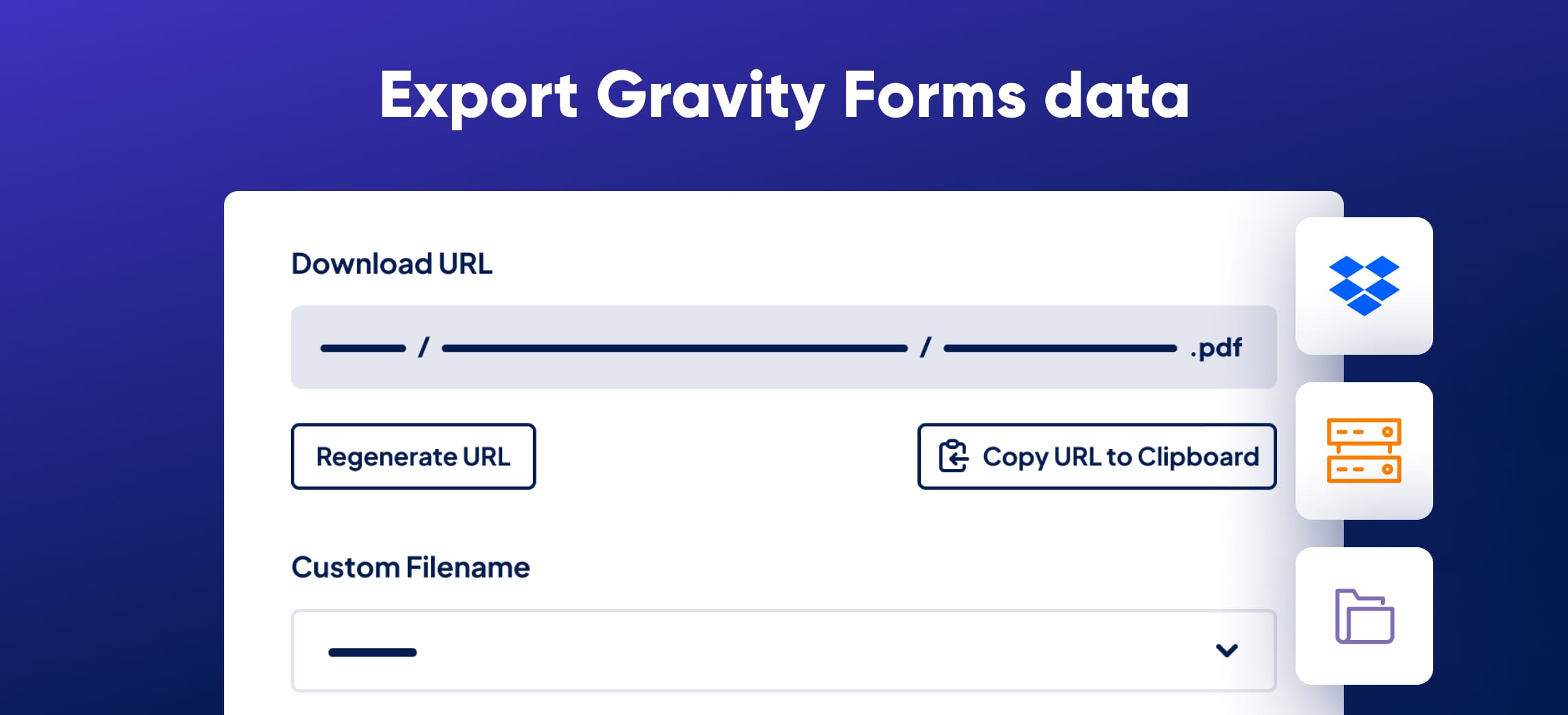
You choose the format—Excel, CSV, PDF, or Google Sheets—and the destination: Dropbox, Box, an SFTP server, a local folder, or a shareable download link. Reports update as new entries come in, so recipients always see current data without you lifting a finger.
It works for site owners who need to share form data with clients, team members, or external systems without granting admin access. Developers can extend exports with hooks, and conditional logic lets you filter exactly which entries appear in each report.
Key features
- Export entries to Excel (.xlsx), CSV, PDF, or Google Sheets
- Schedule recurring exports and deliver only new entries since the last run
- Send files to Dropbox, Box, SFTP, or a local folder automatically
- Apply conditional logic to filter which entries are included
- Attach single-entry reports to Gravity Forms email notifications
- Customize PDF exports with colors, fonts, logos, and page size
- Review past exports in each feed's Activity Log
Good for
Written from GravityKit’s own listing. Version and dates come straight from the source and are checked weekly.
Can I export entries from multiple forms into one file?
Yes, you can export entries from multiple forms into a single Excel file with multiple workbooks.
Can I schedule exports to run automatically?
Yes, you can set a daily, weekly, or monthly interval and choose to include only entries received since the last successful export.
Can I attach an export to a Gravity Forms email notification?
You can attach a single-entry report to one or more email notifications. For multi-entry reports, you can include a download link inside the notification instead.
What happens if my Dropbox or Box connection goes offline?
GravityExport alerts you by email or with a dashboard notice so you know a scheduled delivery failed.