
To use one Gravity Forms contact form for a whole ACF team directory, link each profile to the form with the person’s slug in the URL (/contact-the-team/?person=sam-ortiz), then use a short snippet to look that person up on the server. The form shows who you’re writing to, and the notification goes to the email in their ACF profile. The address never appears on the page or in the link, and adding someone new to the team means filling in their profile, nothing else.
This is the first lesson in a series on using Advanced Custom Fields with Gravity Forms. It picks up where Use One Gravity Forms Form to Contact Multiple Staff Members leaves off: email routing works for a handful of people, but once you have a real directory, the email should live on each person’s profile.
What We’re Building
A small agency’s team directory: a Team post type made with ACF, with a photo, job title, email and phone on each profile.
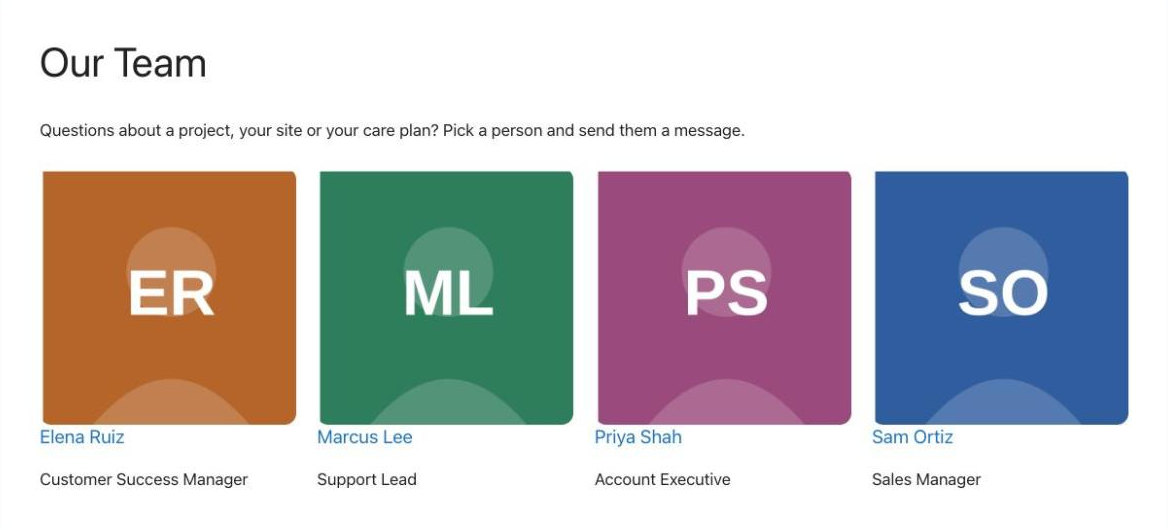
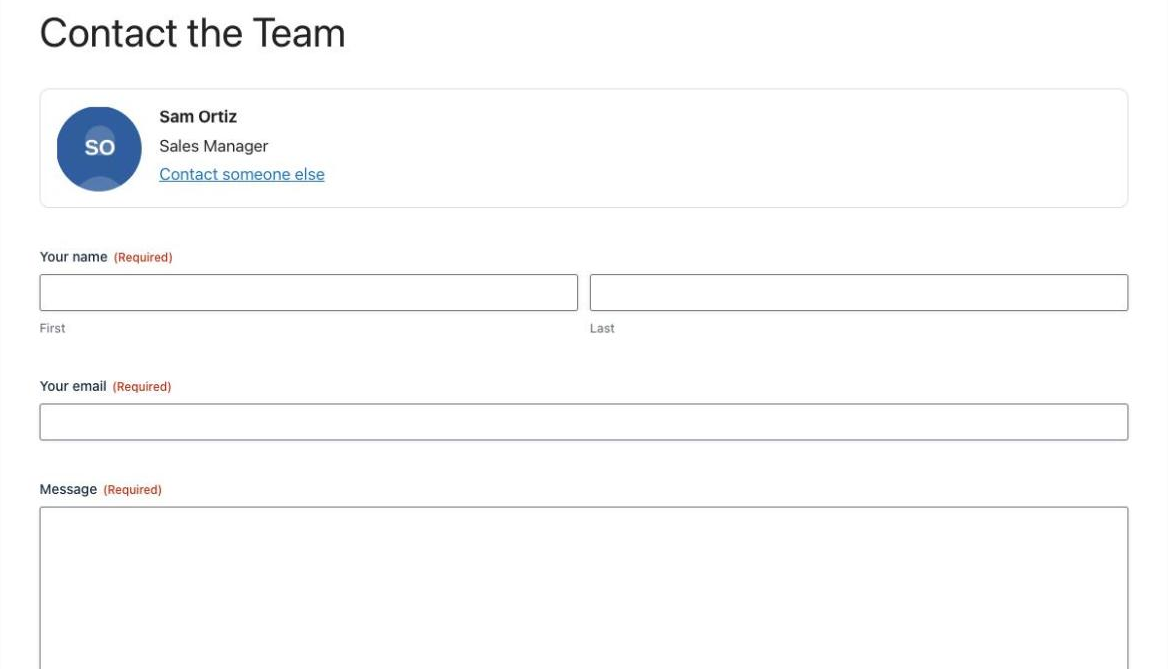
Each profile has a Contact button. It opens the same contact form for everyone, with that person already filled in:
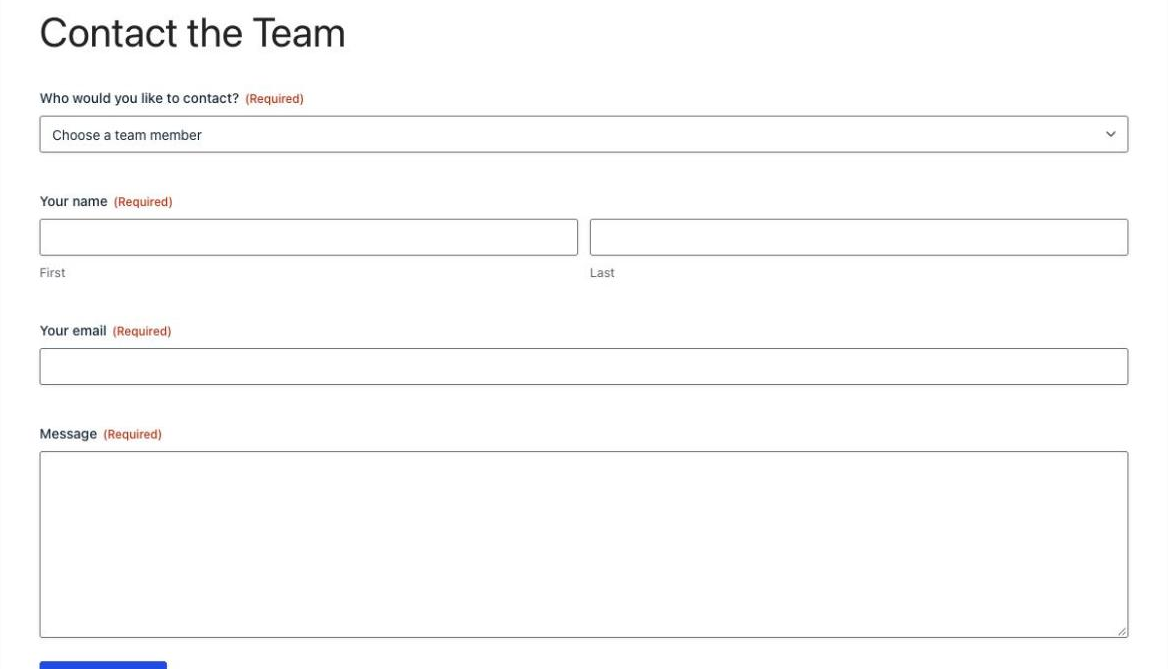
Opened without a person, the same form asks who you’d like to contact, listing everyone in the directory:
Why Not Put the Email in the Link?
The quick way to do this is a hidden field filled from the URL, such as [email protected], used as the notification’s Send To. Don’t. The address is in every profile’s link and in the page source, where spam bots collect it. Worse, anyone can change the address in the link and use your form to send email to anyone they like.
So the link only carries the person’s slug. The snippet looks it up on the server, checks it’s a published team member, and reads the email from ACF only when the notification is sent.
This part is for Free account members.
Things to Know
- The card is set when the page loads. If someone arrives from a profile, the list is hidden; to write to someone else they use the “Contact someone else” link.
- Drafts and private profiles can’t be contacted. Only published team members are listed and accepted.
- A changed slug breaks old links. If you rename a profile’s slug, update its Contact button.
- Entries store the slug. The snippet shows the name on the entry and the entries list, but exports and add-on feeds get the slug.
Frequently Asked Questions
Can a Gravity Forms notification go to an email stored in ACF?
Yes. Gravity Forms can't read ACF fields from another post on its own, but a short snippet can: it looks up the post the visitor chose and adds a merge tag such as {gr_acf:email} that you put in the notification's Send To. The address is read on the server when the email is sent.
How do I pass the team member to the form?
Link each profile to the contact page with the person's slug in the URL, such as /contact-the-team/?person=sam-ortiz, and give the form's Drop Down field the parameter name person under Allow field to be populated dynamically. Don't use the post type's name as the parameter, or WordPress loads the profile instead of the contact page.
Why not put the email address in the link?
Anything in a link or a hidden field is in the page source, where spam bots collect addresses, and anyone can change it to send email through your form to any address. Passing only the slug and looking up the email on the server avoids both problems.
Do I need ACF Pro?
No. The post type, taxonomy, image, text and email fields used here are all in the free version of Advanced Custom Fields.
Can visitors pick someone from a list instead?
Yes. When the contact page is opened without a person in the link, the form shows a Who would you like to contact drop down filled with every published team member, and the notification goes to whoever they choose.
Need More Help?
If you still need help, use the chat or leave a comment below and we’ll get back to you.
Comments