
GravityCalendar
Display Gravity Forms entries as an interactive calendar on your WordPress site, complete with drag-and-drop editing and external calendar sync.
What it does
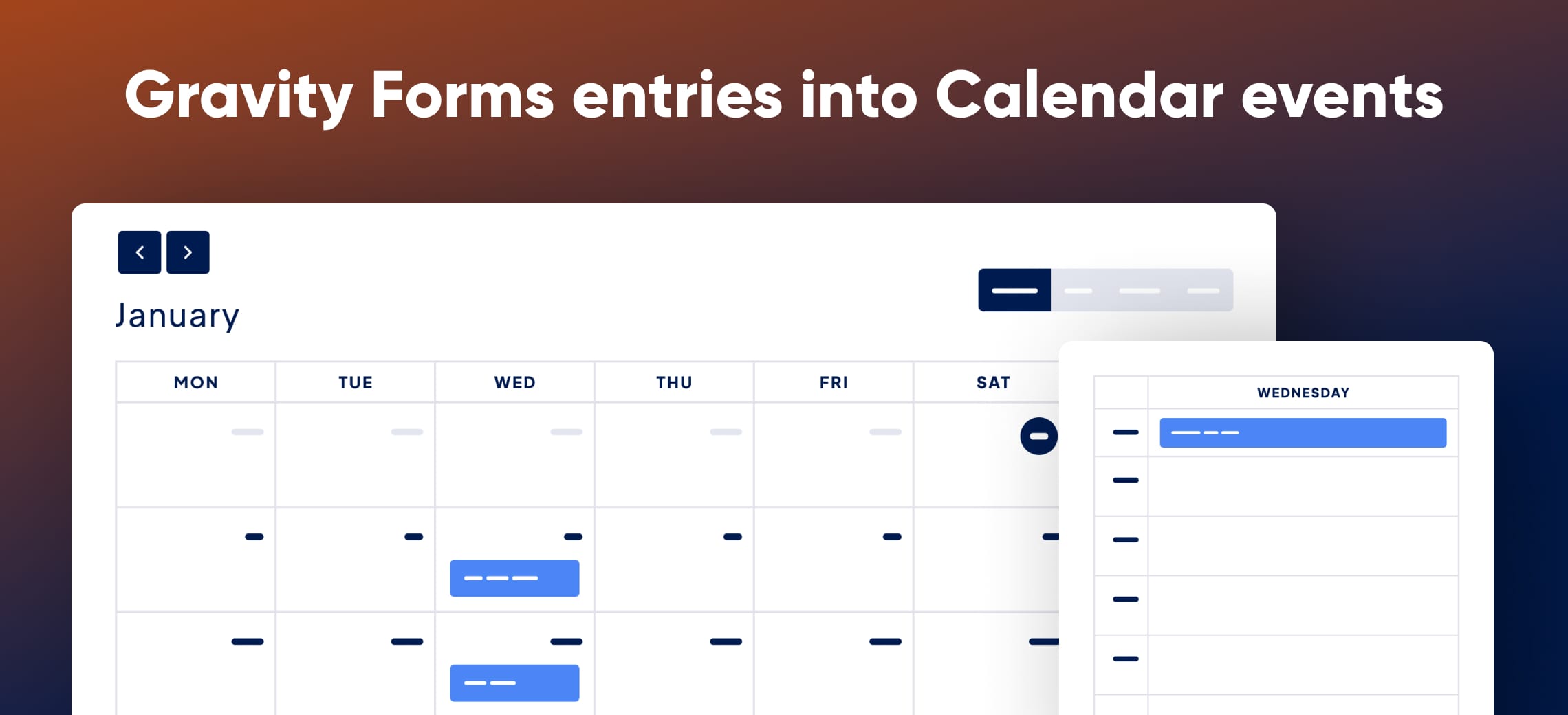
Keeping track of events, schedules, or bookings stored in Gravity Forms usually means digging through the entries list. GravityCalendar turns those entries into a visual, interactive calendar that you can embed anywhere on your site.
You connect a form that has a date field, and the plugin builds a calendar feed from the submissions. Visitors can browse upcoming events, and you can edit dates by dragging and dropping entries right on the calendar. Public submissions work through a standard Gravity Forms form, so no extra tools are needed.
The calendar loads events with AJAX, so even large sets of entries stay fast. You can also subscribe to the feed from Google Calendar or Apple Calendar, or export events as ICS files for sharing.
Key features
- Connect any Gravity Forms form with a date field to create a calendar feed
- Drag-and-drop front-end editing of event dates and times
- Embed calendars via shortcode, Gutenberg block, or widget
- Sync with Google Calendar or Apple Calendar via calendar feed subscription
- Export events as ICS files
- AJAX loading for fast display of large numbers of events
- Developer hooks and filters for customization
Good for
Written from GravityKit’s own listing. Version and dates come straight from the source and are checked weekly.
What do I need to get started?
You need a Gravity Forms form that includes a date field. Once connected, GravityCalendar builds the calendar feed from your entries.
Can visitors submit events themselves?
Yes. You can enable public submissions through a Gravity Forms form and the entries will appear on the calendar.
Does it work with Google Calendar or Apple Calendar?
Yes. You can subscribe to your Gravity Forms calendar feed from Google Calendar or Apple Calendar, and you can also export events as ICS files.
Is there a money-back guarantee?
Yes, there is a 30-day money-back guarantee with a full refund if the plugin is not the right fit.