
Forum for Gravity Forms
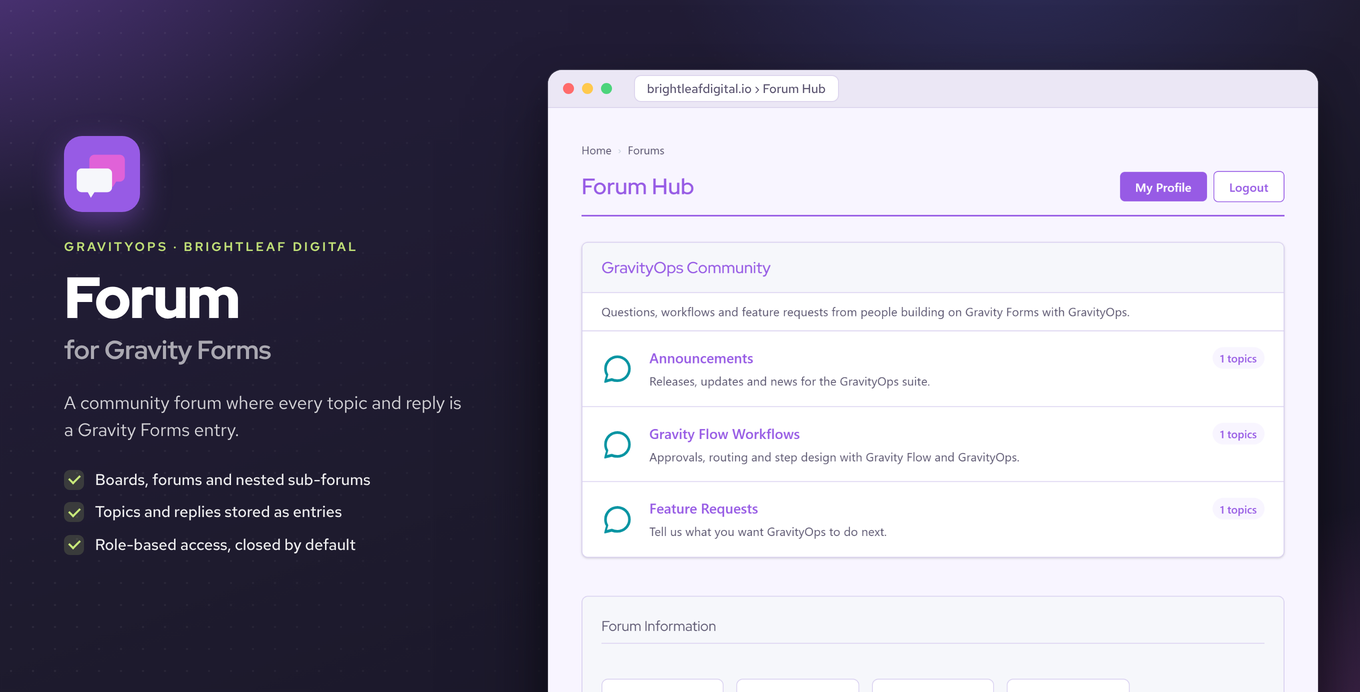
Add forums and discussion boards to your site where every topic and reply is stored as a Gravity Forms entry.
What it does
Running a community discussion area on WordPress usually means installing a separate forum plugin that has nothing to do with your existing forms or entry data. Forum for Gravity Forms takes a different approach: every topic and reply your visitors post is saved as a Gravity Forms entry.
That means you can edit, filter, export, and report on forum discussions using the same Gravity Forms tools you already know. Topic and reply forms are built inside the standard Gravity Forms form editor, so there is no separate interface to learn.
Access Sets let you control who can view, post, reply, edit their own posts, or moderate in each forum, mapped to WordPress user roles. Forums can be nested to any depth, and premium features add feed-based post processing, member subscriptions with custom notifications, and review-before-publish moderation through Gravity Flow.
Key features
- Boards, forums, topics, and replies nested to any depth
- Every topic and reply stored as a Gravity Forms entry
- Topic and reply forms built in the standard Gravity Forms form editor
- Access Sets map viewing, posting, replying, editing, and moderating to WordPress roles
- Feed-based processing of posts (premium)
- Member subscriptions with custom notifications (premium)
- Review-before-publish moderation via Gravity Flow (premium)
Good for
Written from Brightleaf Digital’s own listing. Version and dates come straight from the source and are checked weekly.
Where are forum posts stored?
Every topic and reply is stored as a Gravity Forms entry, so you can edit, export, filter, and report on them with standard Gravity Forms tools.
Can I control who can post or moderate in each forum?
Yes. Access Sets let you map viewing, posting, replying, editing, and moderating permissions to specific WordPress roles for each forum.
Do I need a separate form builder to create topic and reply forms?
No. Topic and reply forms are built directly inside the standard Gravity Forms form editor.
What does the premium version add?
Premium adds feed-based post processing, member subscriptions with custom notifications, and review-before-publish moderation through Gravity Flow.