
GravityBoard
Turn Gravity Forms entries into visual kanban boards so your team can manage workflows inside WordPress.
What it does
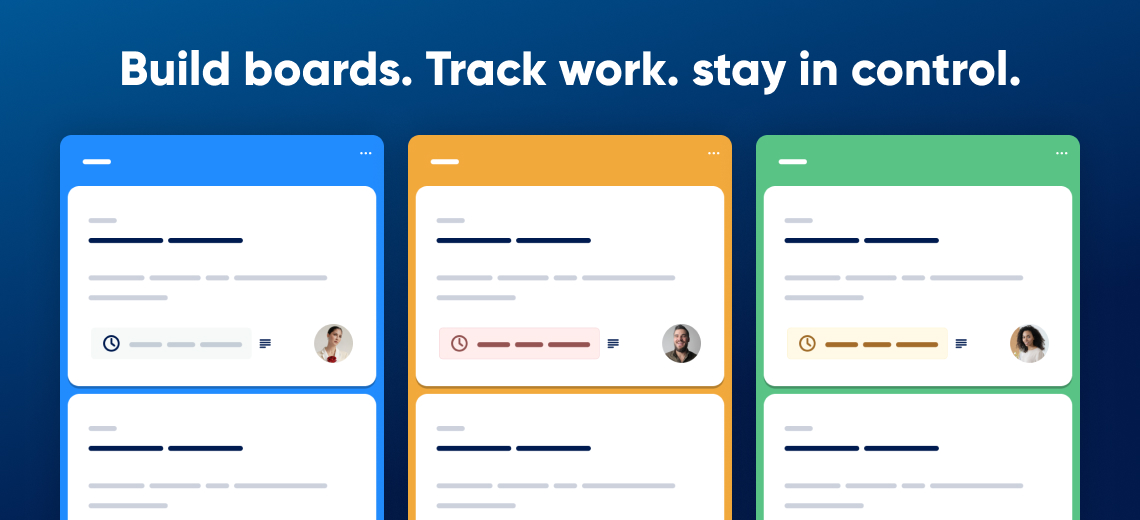
Managing form submissions in a spreadsheet or inbox gets messy fast. GravityBoard converts your Gravity Forms entries into interactive kanban boards—similar to Trello—so you can see the status of every item at a glance without leaving your WordPress site.
You create a board from a form feed, and each submission becomes a card you can drag between lanes. You can assign cards to WordPress users, leave notes, @mention teammates, and trigger email notifications when something changes. Any edit you make on the board syncs back to the original entry automatically.
GravityBoard is a good fit for teams that want a self-hosted workflow tool built around forms they already use—whether that's for internal task tracking, client pipelines, event coordination, or issue management.
Key features
- Turn form submissions into draggable kanban cards
- Assign cards to WordPress users and send automated email notifications
- Add notes and @mention teammates directly on cards
- Control access by WordPress user role, login status, or Gravity Forms capability
- Customize lane colors and board backgrounds
- Embed boards on any page or post using a block or shortcode
- Create multiple boards, each tied to its own form feed
Good for
Written from GravityKit’s own listing. Version and dates come straight from the source and are checked weekly.
Do edits on the board update the original Gravity Forms entry?
Yes, changes sync instantly with the original entry.
Can I control who can view or edit a board?
Yes. You set permissions by WordPress user role or capability, covering actions like viewing, editing, assigning, and commenting.
Can I have more than one board per form?
Yes. Each board is tied to a form feed, and a single form can have multiple boards.
How do I display a board on my site?
You can access it from the WordPress admin dashboard or embed it on any page or post using a block or shortcode.