
GravityEdit
Edit Gravity Forms entries inline on the Entries screen without opening each one individually.
What it does
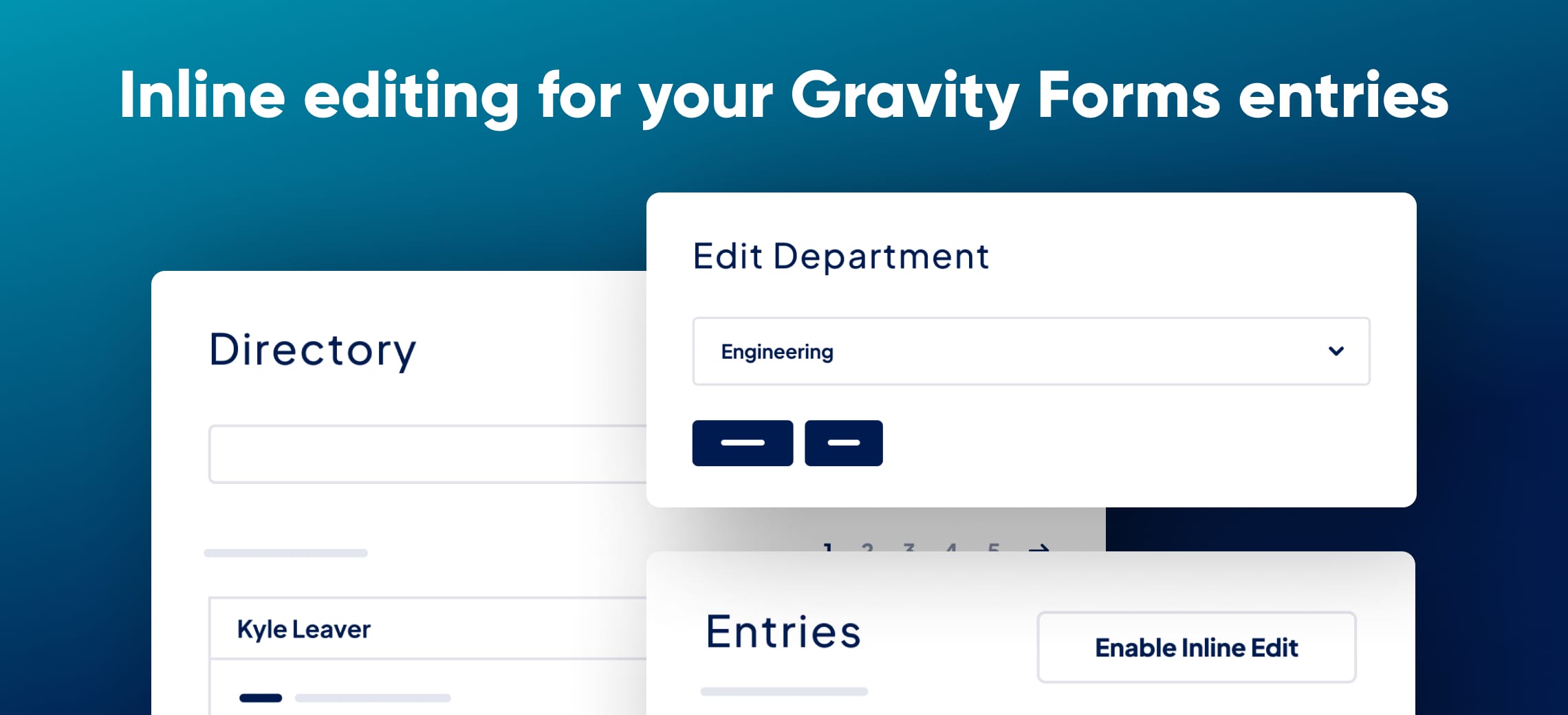
Updating a Gravity Forms entry normally means clicking into it, making changes, saving, and navigating back to the list. GravityEdit cuts that process down by letting you click any field directly on the Entries screen, make your change, and save—all without a page reload.
It supports Standard and most Advanced field types, entry meta fields, and File Upload fields. You can also bulk-edit multiple entries at once and validate data in real time to catch errors as you go.
If you use GravityView, GravityEdit integrates with it so front-end users can edit their own entries. Developers get hooks and filters to adjust supported field types, trigger notifications on updates, and control who has editing access.
Key features
- Inline editing directly on the Gravity Forms Entries screen
- Supports Standard fields, most Advanced fields, entry meta, and File Upload fields
- Bulk edit multiple entries at once
- Real-time data validation
- Front-end editing when used with GravityView
- Developer hooks and filters for field types, notifications, and permissions
Good for
Written from GravityKit’s own listing. Version and dates come straight from the source and are checked weekly.
Which field types does GravityEdit support?
It supports all Standard field types, most Advanced field types, entry meta fields, and File Upload fields.
Can front-end users edit their own entries?
Yes, but only when GravityEdit is used together with GravityView.
Is there a money-back guarantee?
Yes, there is a 30-day money-back guarantee with a full refund if it doesn't work for you.
Can developers control who is allowed to edit entries?
Yes, hooks and filters let developers control user access to editing permissions and enable notifications when entries are updated.