
GravityExport Lite
Export Gravity Forms entries to Excel or CSV files and share them via a secure download link without requiring login.
What it does
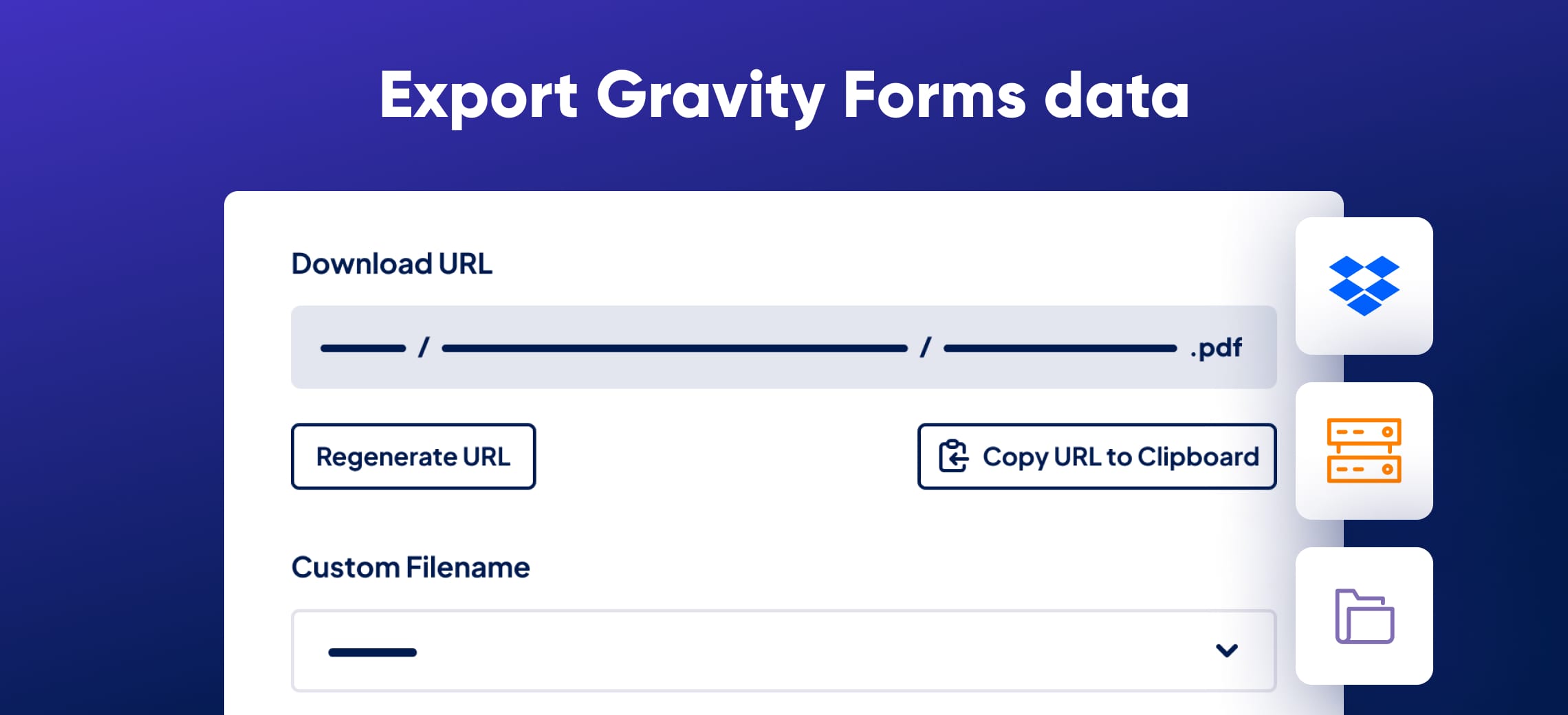
When you need to share form data with colleagues or clients, giving everyone admin access is not practical. GravityExport Lite lets you generate a secure URL that anyone can use to download your form entries as an Excel or CSV file—no WordPress account needed.
You choose which fields appear in the export, filter entries by date range, and the file updates in real time as new entries come in. You can also attach the report file directly to Gravity Forms email notifications.
This is the free, limited version of GravityExport. It suits site owners who need straightforward data exports without setting up extra user accounts.
Key features
- Export entries to XLSX or CSV format
- Secure download URL—no login required to access the file
- Real-time updates as new entries arrive
- Choose which fields appear in the export
- Filter entries by date range
- Attach export files to Gravity Forms email notifications
- Customize the filename and transpose columns
Good for
Written from GravityKit’s own listing. Version and dates come straight from the source and are checked weekly.
Does the recipient need a WordPress account to download the file?
No. Anyone with the secure URL can download the export file without logging in, though you can restrict access by login status if you prefer.
Does the export update automatically?
Yes. The report reflects entries in real time, so the file is current whenever someone downloads it.
What file formats does it support?
It exports to XLSX (Excel) and CSV formats.
Is this the full version of GravityExport?
No. This is the free lite version, which offers a limited set of features compared to the paid GravityExport add-on.