
GravityImport
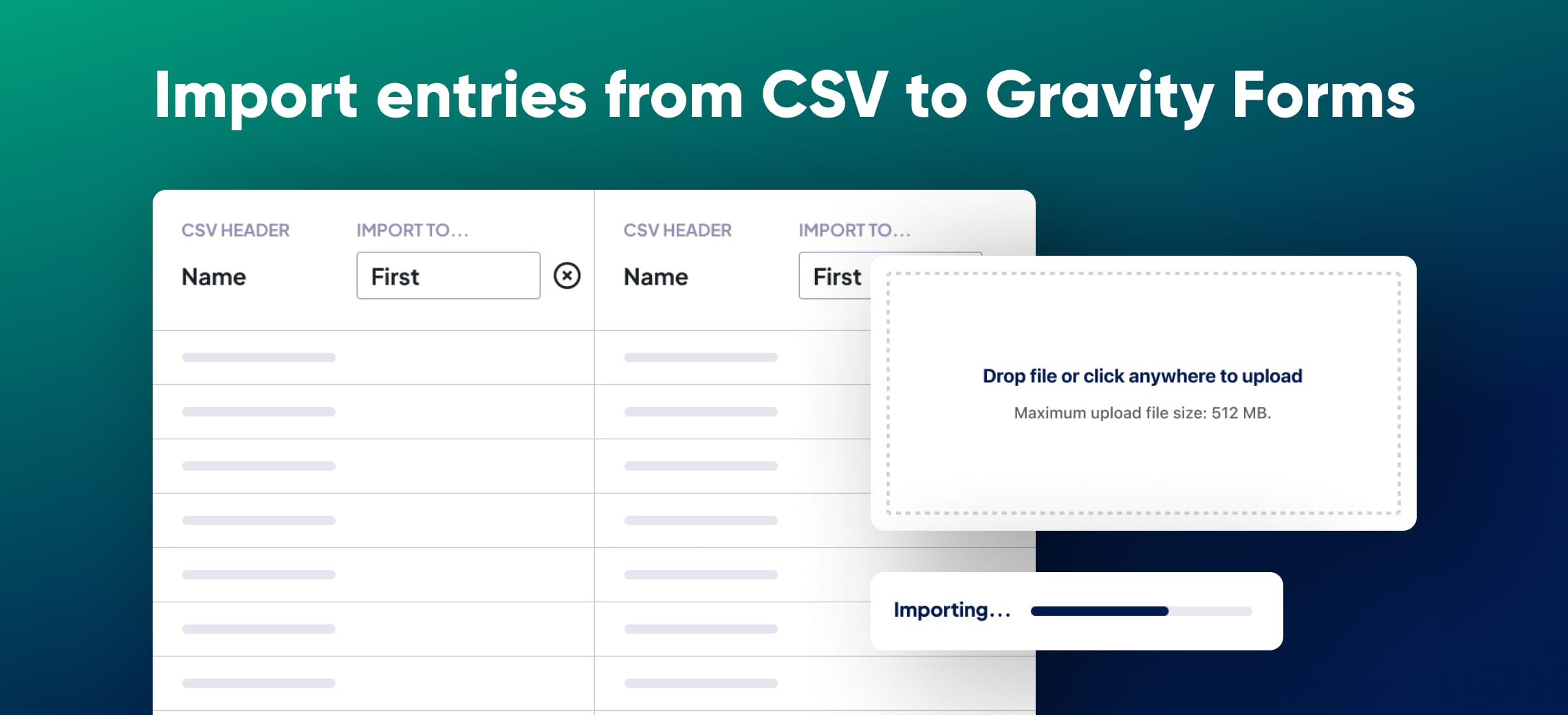
Import entries into Gravity Forms from any CSV file by mapping columns to your form fields.
What it does
Moving data into Gravity Forms by hand is slow and error-prone. GravityImport lets you upload a CSV file, map its columns to your form fields, and bring all your entries in at once—whether you're migrating from WPForms, Ninja Forms, Formidable Forms, or any other source.
You don't even need an existing form. GravityImport can read your CSV structure and auto-generate a Gravity Forms form for you. It supports all core Gravity Forms field types, including Standard, Advanced, and Pricing fields, as well as entry metadata and file uploads.
Built-in field validation catches bad data before it gets into your entries, and a detailed error report lets you download a CSV of any rows that didn't import correctly. Developer hooks give you extra control over how imports interact with other add-ons and third-party tools.
Key features
- Upload any CSV file and map columns to Gravity Forms fields
- Auto-generate a new form based on your CSV structure
- Supports all core Gravity Forms field types and entry metadata
- Apply conditional logic to filter which rows get imported
- Create WordPress posts, pages, or users during an import
- Update existing entries by including an Entry ID column in your CSV
- Import files attached via Gravity Forms File Upload fields
Good for
Written from GravityKit’s own listing. Version and dates come straight from the source and are checked weekly.
Does my CSV have to follow a specific format?
No. You can upload any CSV file and then map its columns to the correct fields in your form.
Can I update entries that already exist in Gravity Forms?
Yes. Include a column with the Entry ID of each entry you want to change, and GravityImport will replace those entries with the new data.
Can I import forms from other form plugins like WPForms or Ninja Forms?
Not directly. GravityImport imports entry data, not form structures. It can auto-create a new Gravity Forms form based on your CSV columns, but it does not convert forms from other plugins.
Are file uploads supported?
Yes. GravityImport can import files that were uploaded to Gravity Forms via a File Upload field.